2026-03-23
In today’s world, where mobile work and digital life are deeply intertwined, our devices store vast amounts of sensitive information—company secrets, personal data, financial records, travel plans, and more. If a device is lost, stolen, or accessed under duress, the risk of immediate data exposure is high. Traditional backups can restore lost files but cannot prevent sensitive information from being compromised.
To counter these extreme risks, PlugOS offers two advanced security features: Brute-Force Self-Destruct and Duress Code Self-Destruct. They serve as the “last line of defense” for your data, ensuring that you remain in control of your information even in the worst-case scenarios of device loss or personal coercion.
Important Note: To fully respect user autonomy and prevent accidental data loss, both of these ultimate security features are turned off by default in PlugOS. Users must manually enable them in the system settings according to their own security needs.
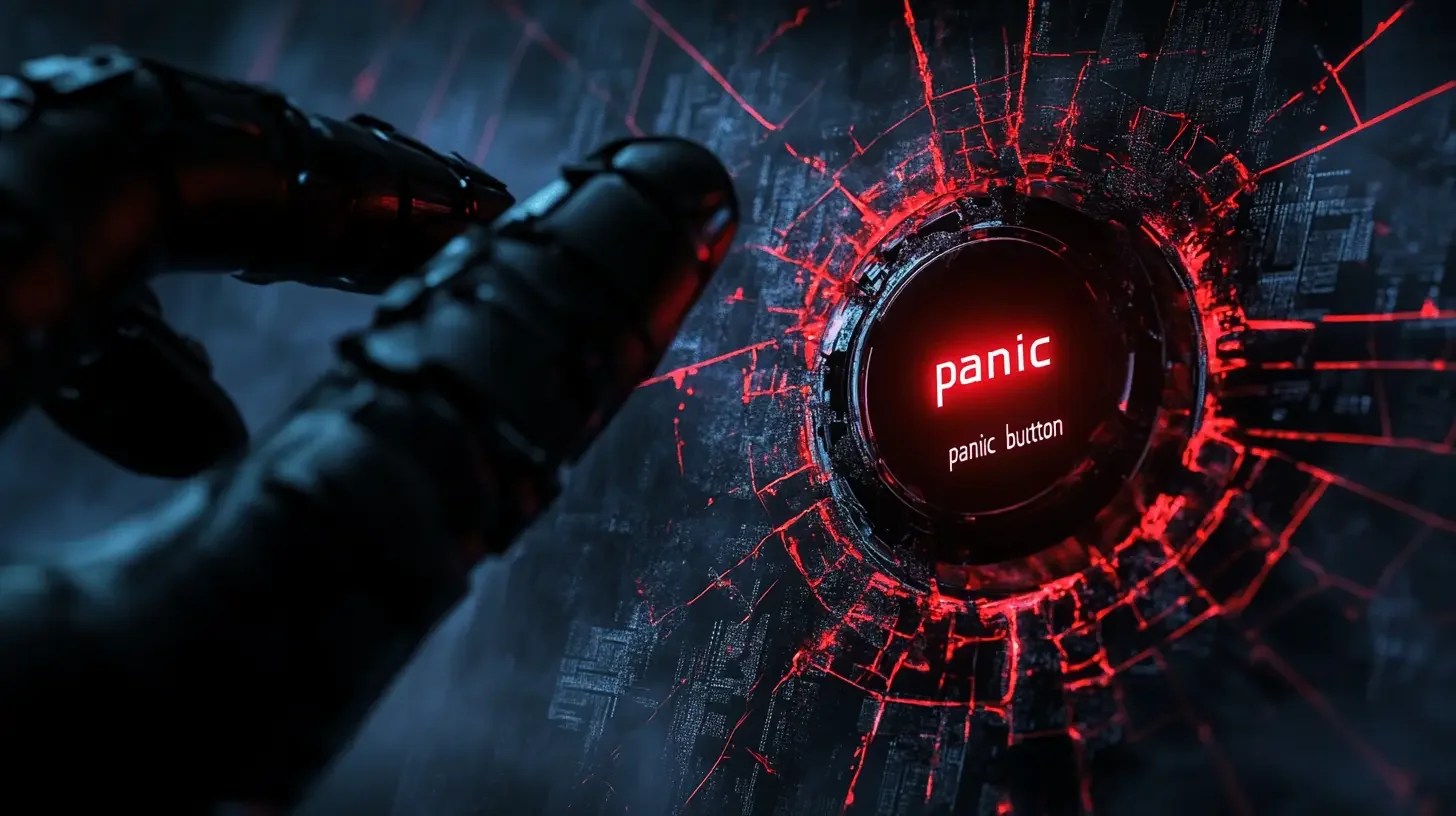
What is the PlugOS Self-Destruct Mechanism?
The self-destruct mechanism in PlugOS is not a simple software-level “delete files” command; it is an irreversible, hardware-level data wipe. The device has two built-in “kill switch” triggers:
- Brute-Force Self-Destruct: If someone repeatedly enters the wrong password in an attempt to unlock the device, the system will automatically and completely erase all data to prevent theft.
- Duress Code Self-Destruct: A user can set a special duress code. When forced or threatened to unlock the device, entering this code will make the device appear to unlock normally while silently wiping all data in the background.
These two mechanisms create an ultimate security barrier for your data, ensuring that your digital sovereignty is never compromised, even when the physical device is out of your control.
Mechanism One: Anti-Brute-Force Self-Destruct — For Lost or Stolen Devices
This is an automated defense mechanism designed to protect your device from sustained unlocking attempts after it has fallen into the wrong hands.
Scenario
Imagine leaving your PlugOS device, full of important files, at a coffee shop. Anyone who finds it might try to guess the password to access your system. Traditional lock screens can only delay the inevitable and cannot eliminate the fundamental risk of your data being compromised.
The PlugOS Solution
In PlugOS, you can manually enable the Anti-Brute-Force Self-Destruct feature and set a maximum number of incorrect password attempts (e.g., 10 times).
- Trigger Logic: The self-destruct mechanism is immediately activated once the number of consecutive incorrect password entries reaches your preset threshold.
- Execution: The system bypasses the standard operating system layer, and the underlying firmware sends a hardware-level erase command directly to the storage chip. This is not a simple “factory reset” but a complete and irreversible physical wipe or lock of the data storage area.
- Technical Advantage: Because the attempt counter and the self-destruct command operate independently of the main OS, this mechanism cannot be bypassed even by removing the hard drive or using specialized tools. This ensures the command’s execution and the irreversibility of the outcome.
Result: After the attacker’s 10th failed attempt, all data on the device will be completely erased. Although the hardware is lost, your most critical digital assets are securely protected, preventing any secondary losses resulting from the data breach.
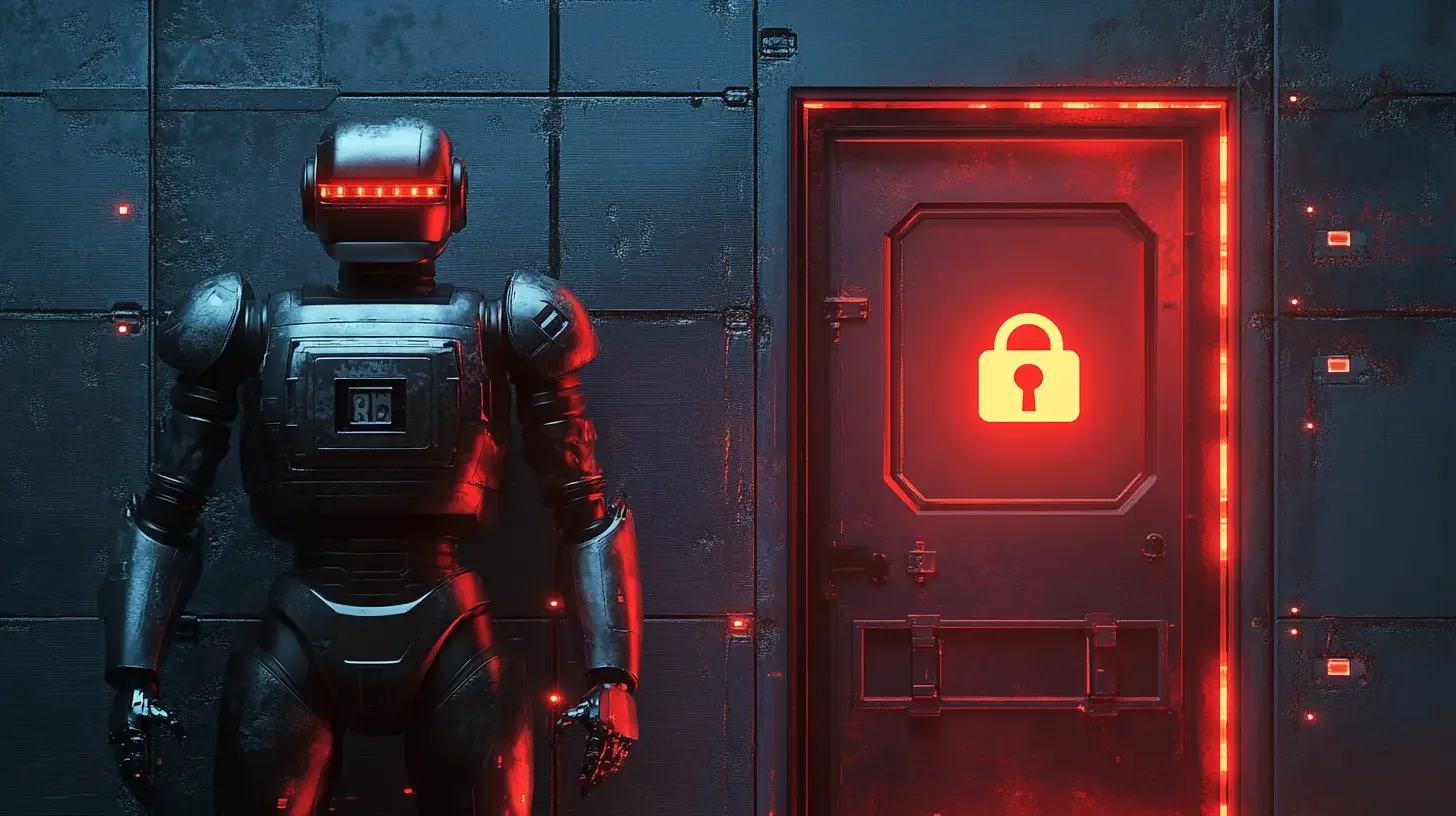
Mechanism Two: Duress Code Self-Destruct — For Personal and Informational Security
In certain situations, a user might be forced to unlock their device in person. This coercion could arise from various scenarios, such as threats to personal safety or social pressure you don’t wish to escalate. The Duress Code provides an ingenious solution for these high-stress situations, protecting both your safety and your data.
Scenario
You are robbed on your way home at night, and the assailant demands you unlock your phone to transfer money from your banking app or to access your personal information. In this situation, resisting could endanger your life, but complying means a total loss of financial assets and privacy.
The PlugOS Solution
You can preset a special “Duress Code” in PlugOS that is different from your normal password.
- Trigger Logic: When threatened, you appear to comply by calmly entering the preset Duress Code.
- Execution: To the assailant, the phone unlocks perfectly and goes to the home screen—everything looks normal. However, what they see is a clean system, as if it were brand new. Behind the scenes, a complete data wipe and factory reset was silently executed the moment the device was unlocked.
- Technical Advantage: The Duress Code shares the same unlock screen as the normal password. The unlock animation and response time are identical, making your actions appear completely normal. This “user-unaware” design provides you with powerful plausible deniability.
Result: Your personal safety is secured, and at the same time, sensitive information like financial accounts, private contacts, and photos are safely erased without the aggressor’s knowledge. This feature is equally useful in social situations where you need to protect your personal boundaries, allowing you to safeguard your digital space without creating direct conflict.

Conclusion: User-Controlled Ultimate Data Security
Together, these two self-destruct mechanisms in PlugOS build a comprehensive defense line against a wide range of threats, from accidental loss to malicious intent:
- Anti-Brute-Force Self-Destruct: An automated defense system for when a device is lost.
- Duress Code Self-Destruct: A user-activated strategy for when you are under direct threat.
Both features require manual activation, placing the highest level of security authority in the user’s hands. This reflects the PlugOS design philosophy: to provide the most powerful security tools and let the user decide when and how to use them, achieving true, user-controlled security.
Subscribe: Get latest security insights and exclusive updates early
 PlugMate — Smart & Portable Privacy-Controlled Device
Secure, Ad-free, Tracking-free, No Telemetry
Copyright © 2024-2026 TrustKernel
Privacy Policy | User Service Agreement