directory
“Veil” is a high-privacy browser designed to provide users with secure web exploration capabilities.
Usage Guide:
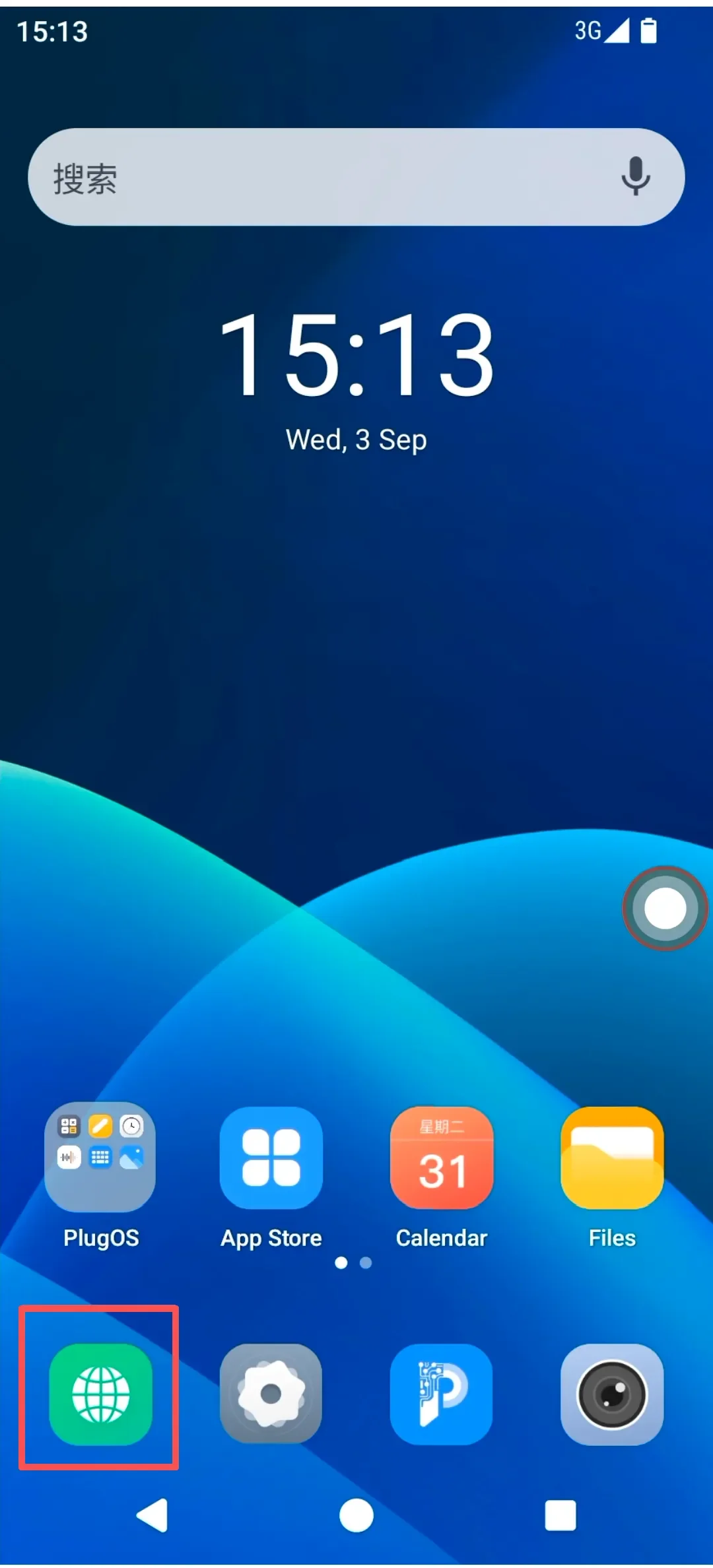
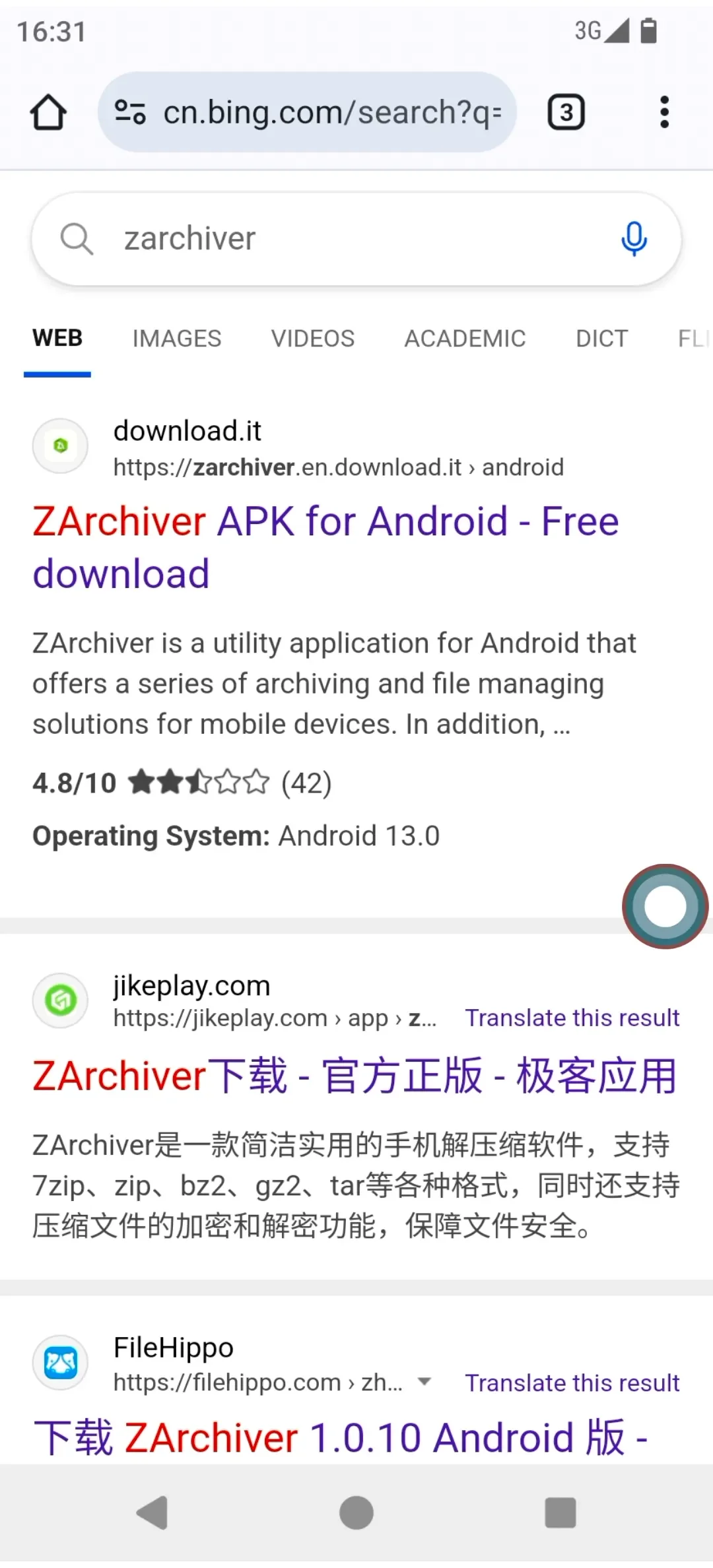
- Click “Veil” on the desktop to launch the browser and begin searching or browsing information.
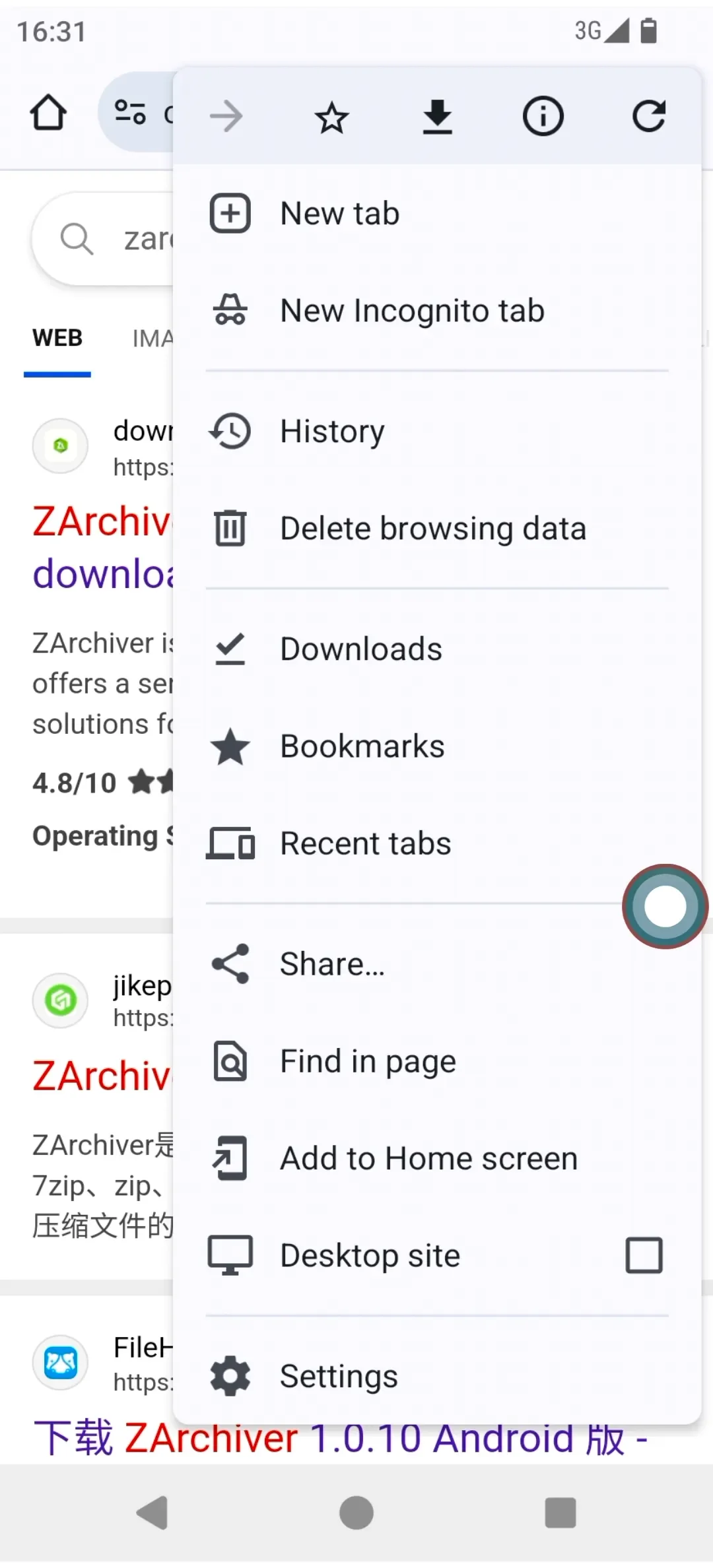
- In the browser’s main interface, tap the menu button (☰) to:
- Open a new tab or incognito tab.
- View browsing history, downloads, or bookmarks.
- Clear browsing data.
- Access Settings for detailed browser configuration.
Subscribe: Get latest security insights and exclusive updates early
 PlugMate — Smart & Portable Privacy-Controlled Device
Secure, Ad-free, Tracking-free, No Telemetry
Copyright © 2024-2026 TrustKernel
Privacy Policy | User Service Agreement