directory
PlugOS allows users to set custom blacklists/whitelists to control network access for apps and websites.
Usage Guide:
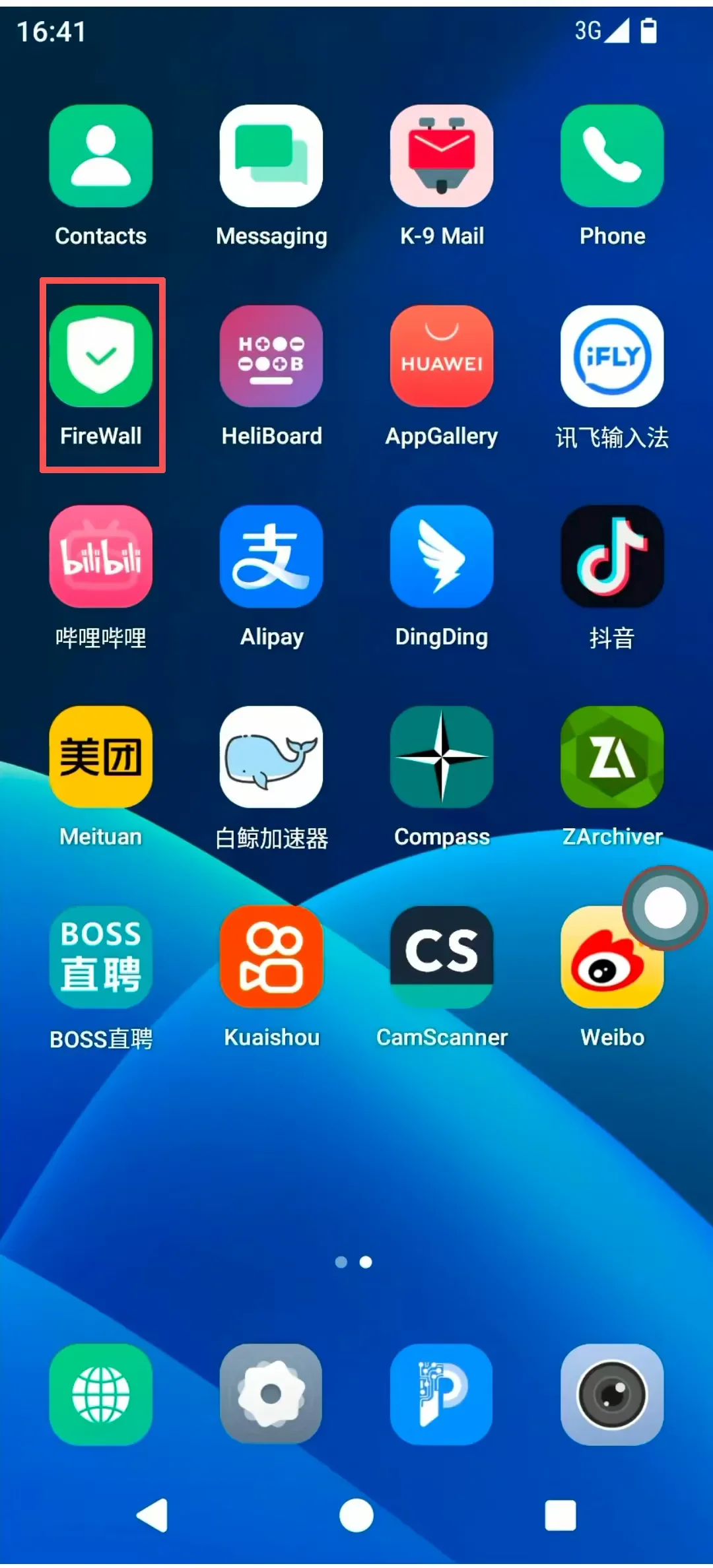
- Open the “FireWall” app.
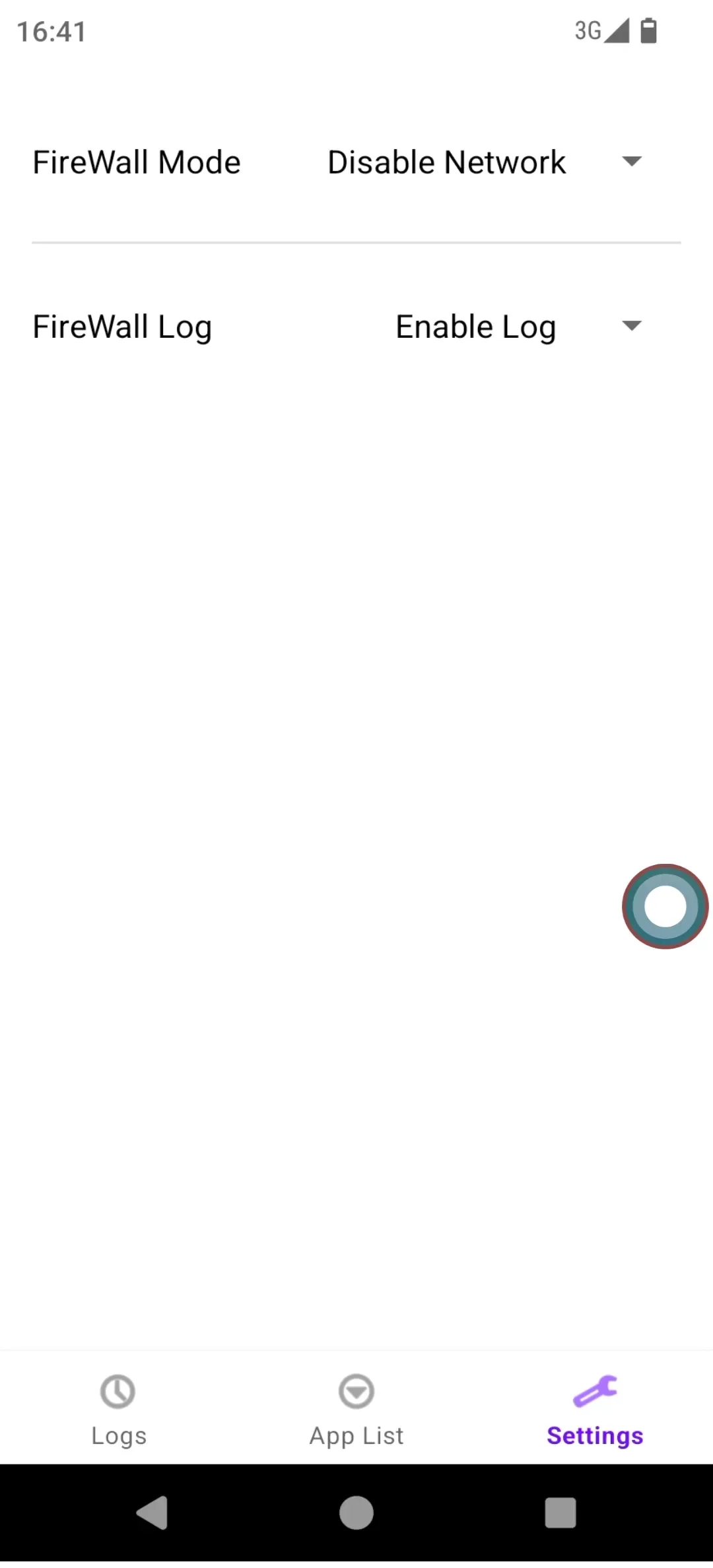
- On the “Settings” page, select from the following modes:
- Block All: Disables all network connections.
- Blacklist Mode: Allows all apps to access the network except those explicitly blocked.
- Whitelist Mode: Blocks all apps from accessing the network except those explicitly allowed. Additionally, users can toggle “Enable Logging” or “Disable Logging” as needed.
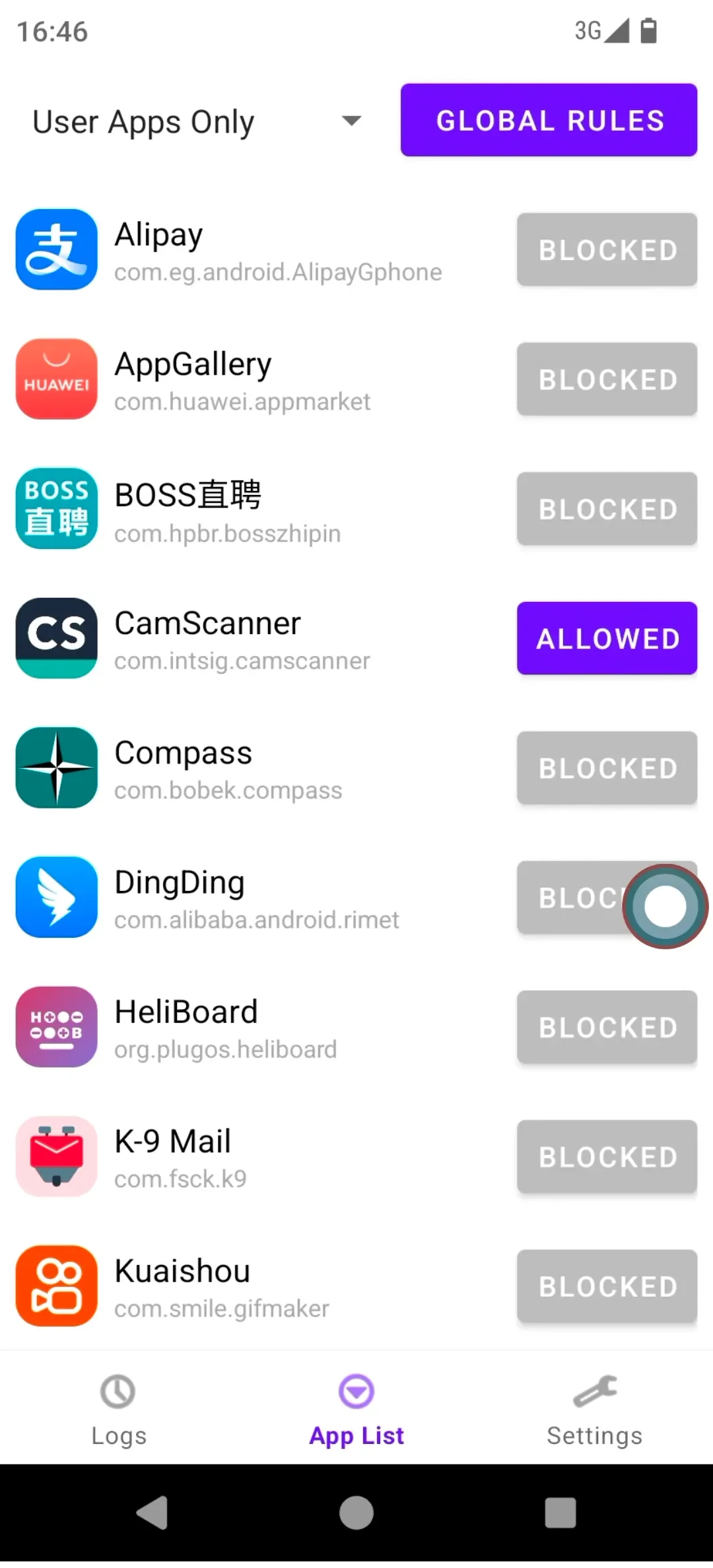
- On the “App List” page:
- Select an app and tap “Allow Network Access” or “Block Network Access”.
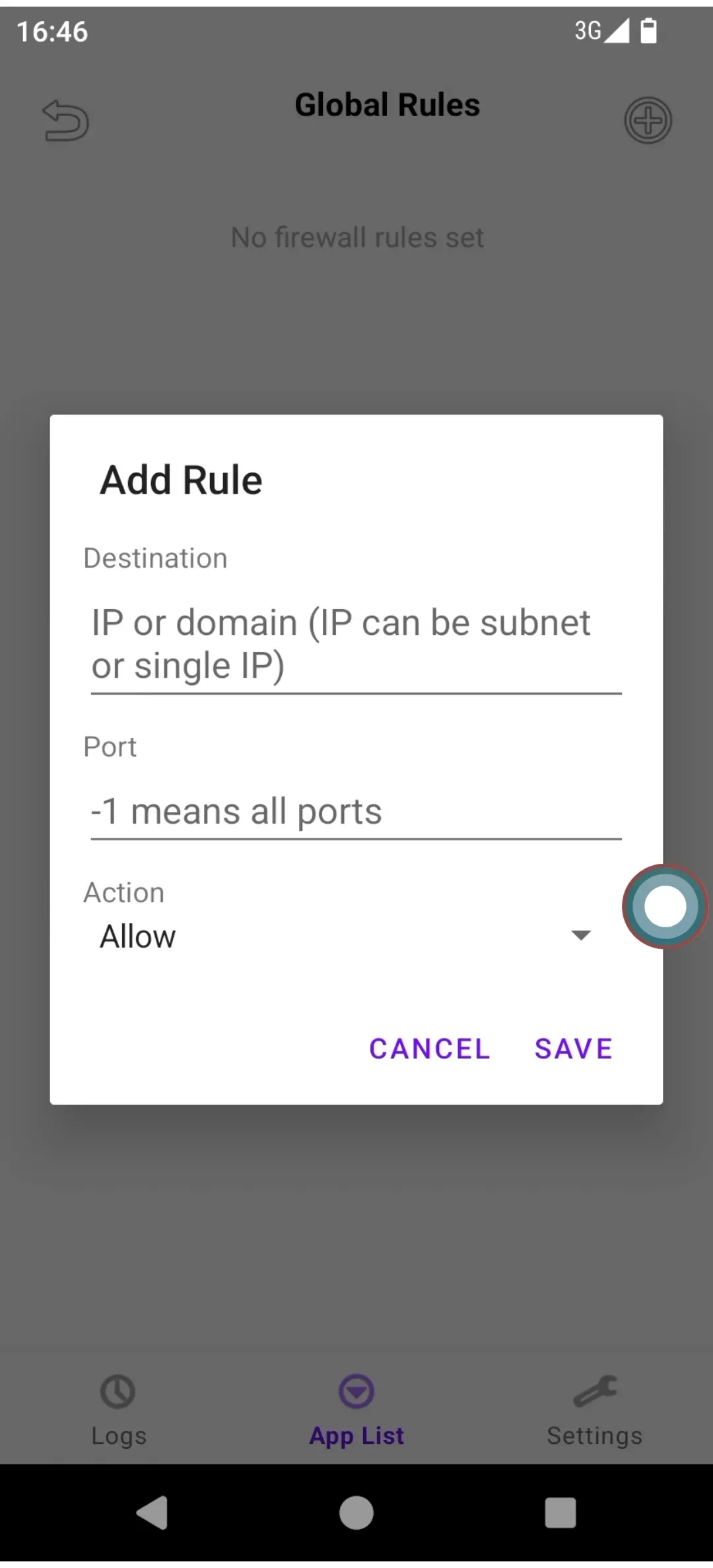
- Tap the “Global Rules” button (top-right), then tap “+” to create rules allowing or blocking access to specific IPs/domains.
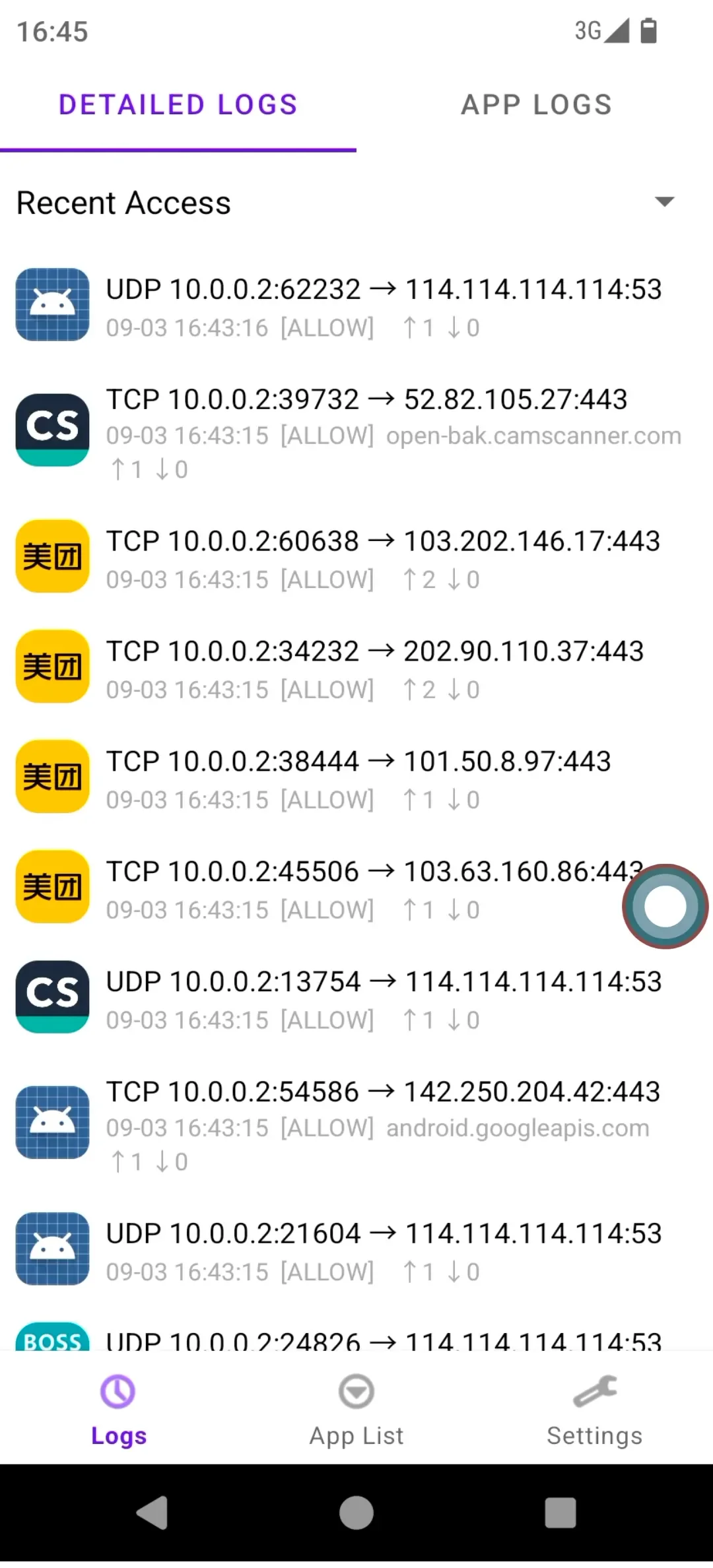
- On the “Logs” page, view detailed network access records filtered by time or app.
Subscribe: Get latest security insights and exclusive updates early
 PlugMate — Smart & Portable Privacy-Controlled Device
Secure, Ad-free, Tracking-free, No Telemetry
Copyright © 2024-2026 TrustKernel
Privacy Policy | User Service Agreement