directory
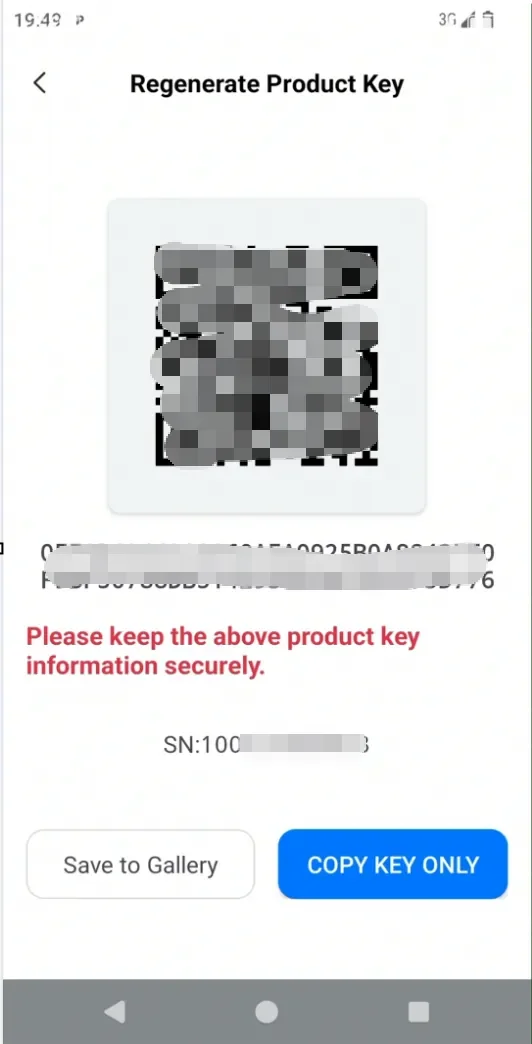
The product key is the most important and unique authentication basis for the product. When the key is leaked, you can regenerate the key using the following method.
Note: You must save the key. Lost keys cannot be recovered. Please keep it safe.
How to use:
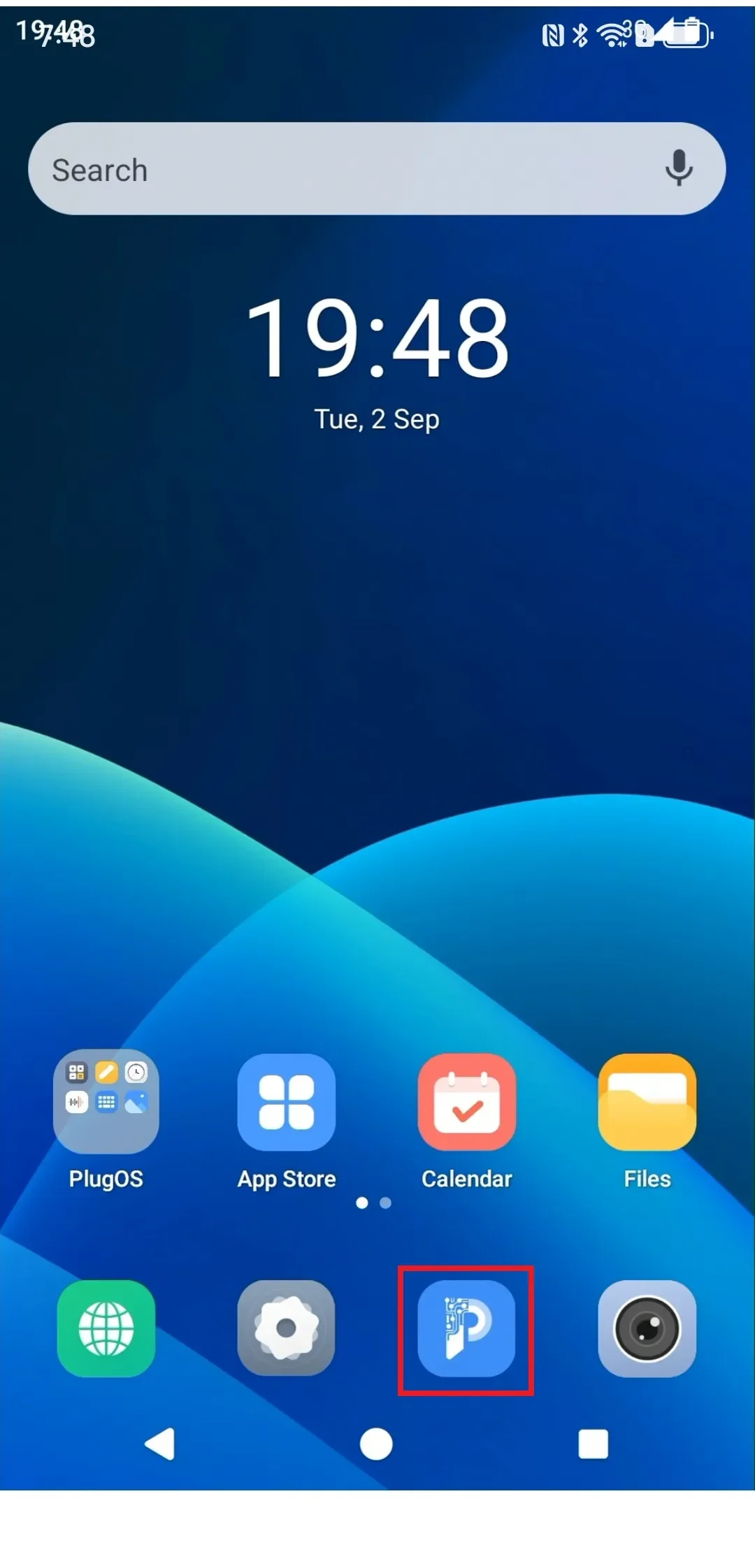
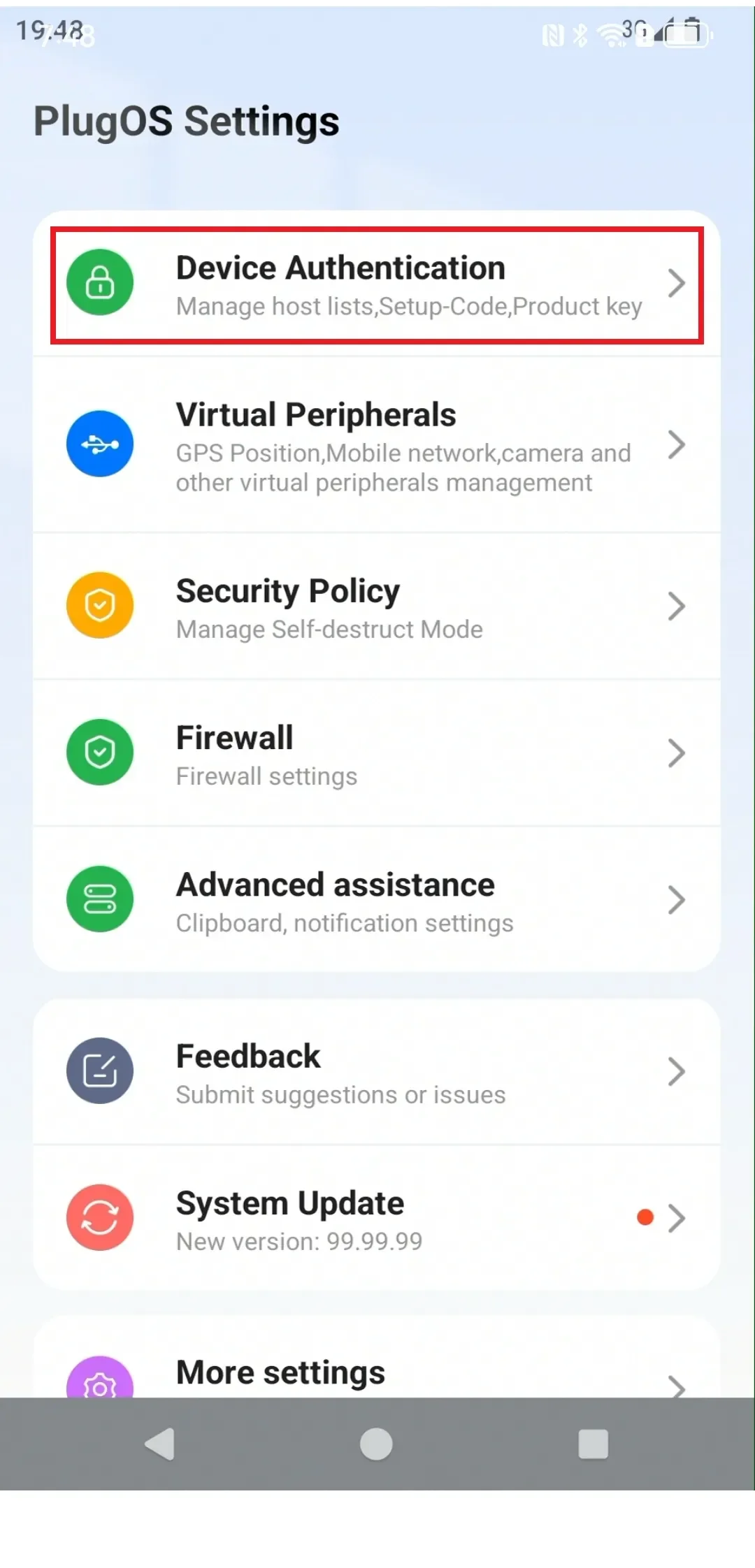
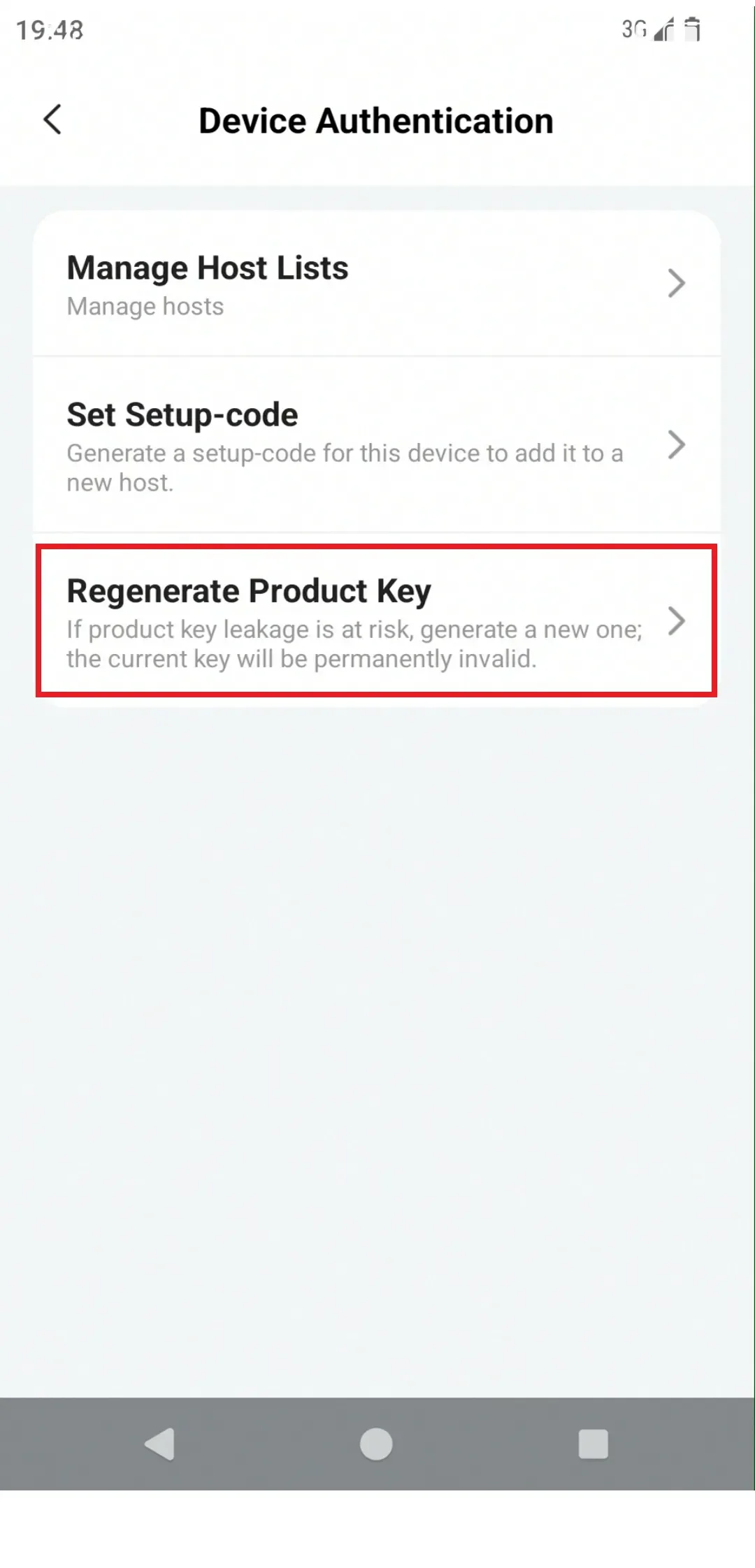
- Enter the PlugOS desktop, find “PlugOS Settings” → “Device Authentication” → “Regenerate Product Key”
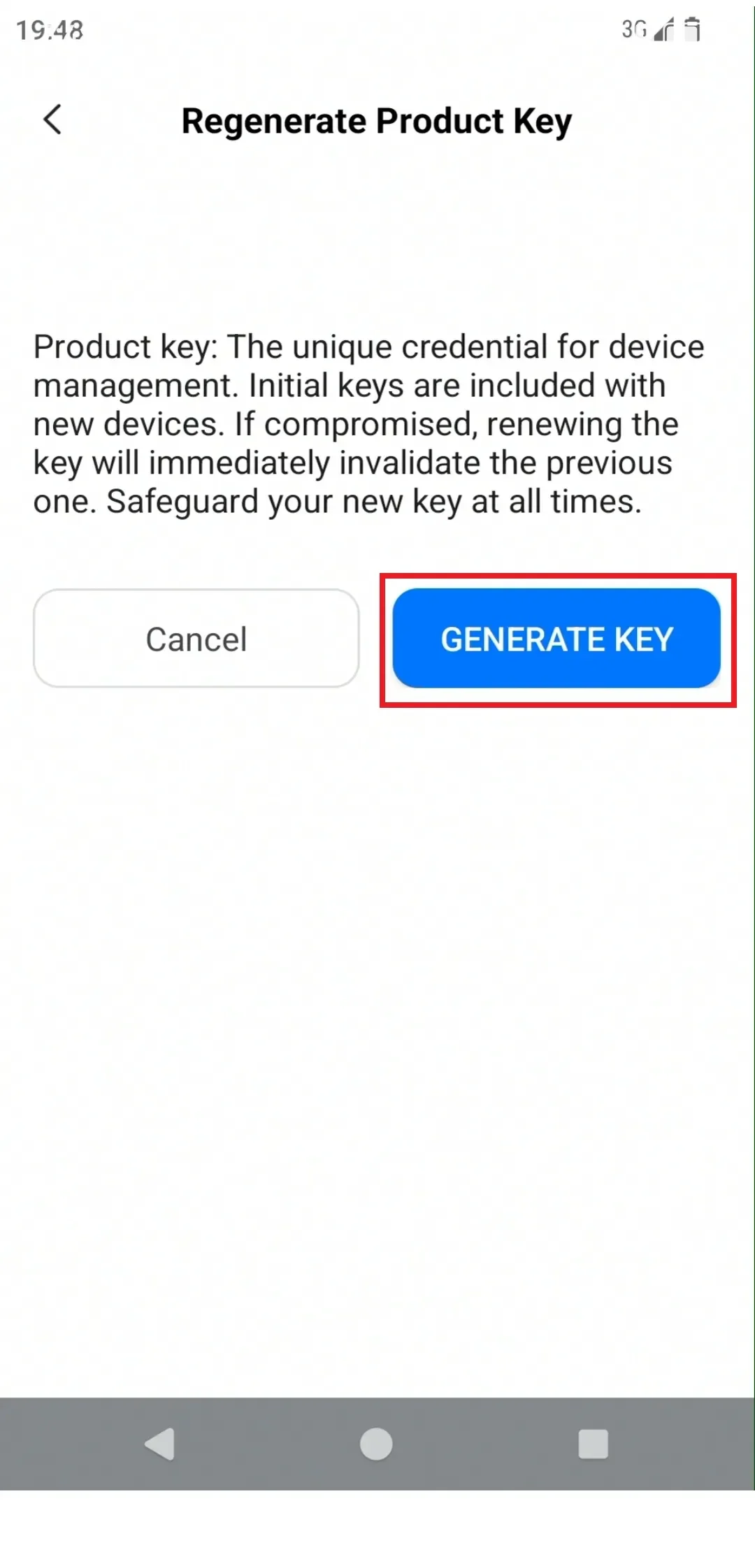
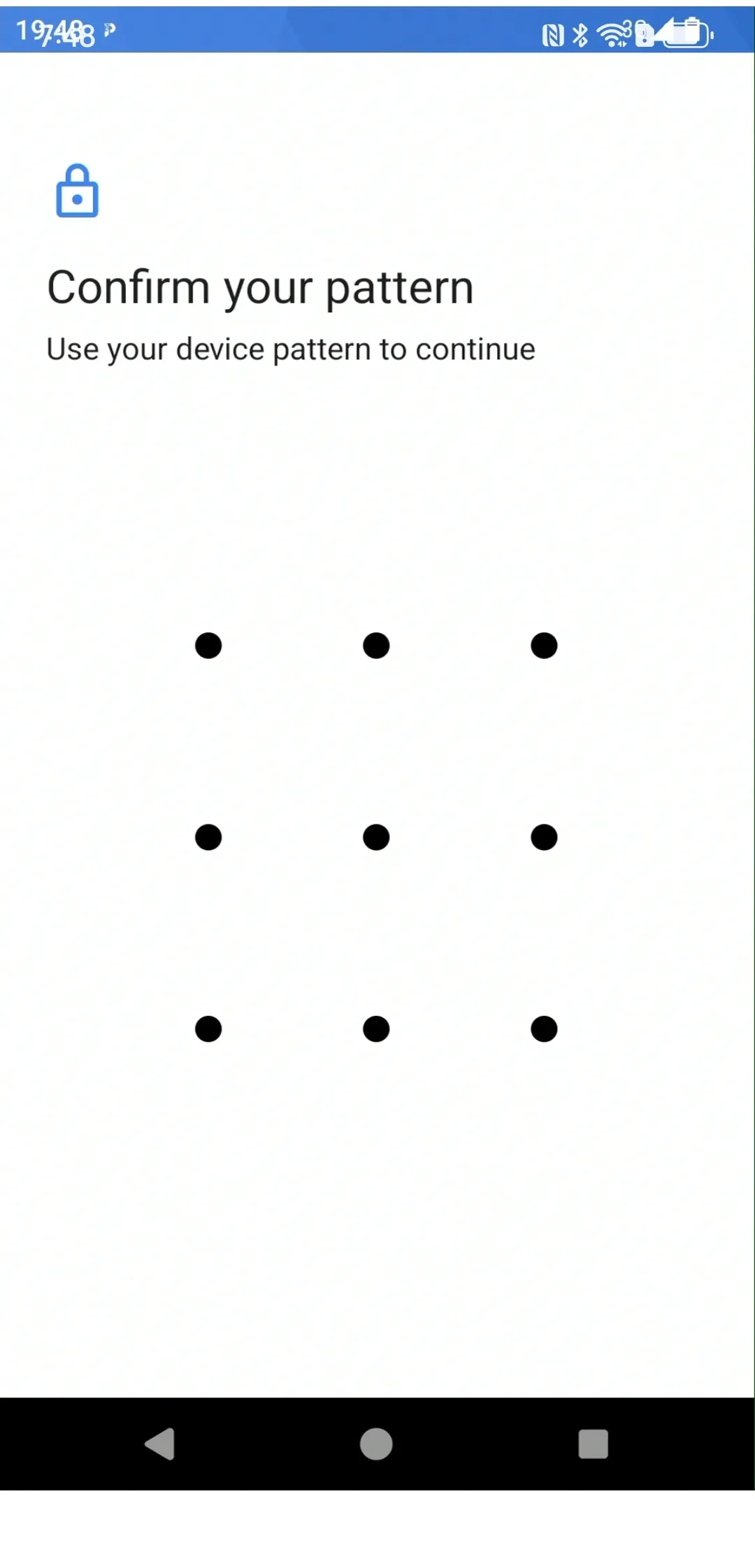
- On the Regenerate Product Key page, click the “Generate Key” button → Enter the device unlock password to complete key reset. Clicking “Back” will double-confirm whether to save the key.
Subscribe: Get latest security insights and exclusive updates early
 PlugMate — Smart & Portable Privacy-Controlled Device
Secure, Ad-free, Tracking-free, No Telemetry
Copyright © 2024-2026 TrustKernel
Privacy Policy | User Service Agreement