directory
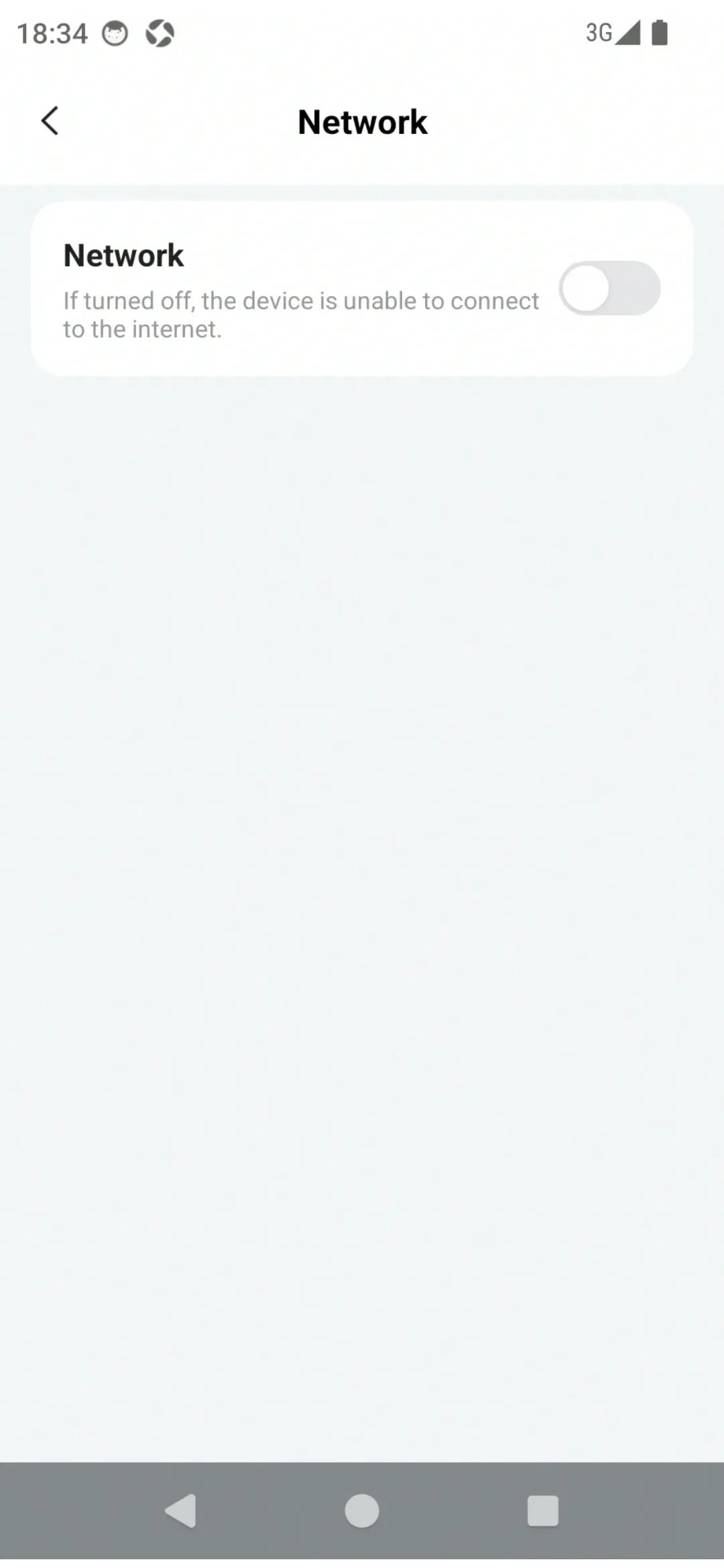
You can turn the network on or off through the Network switch in PlugOS Settings.
How to use:
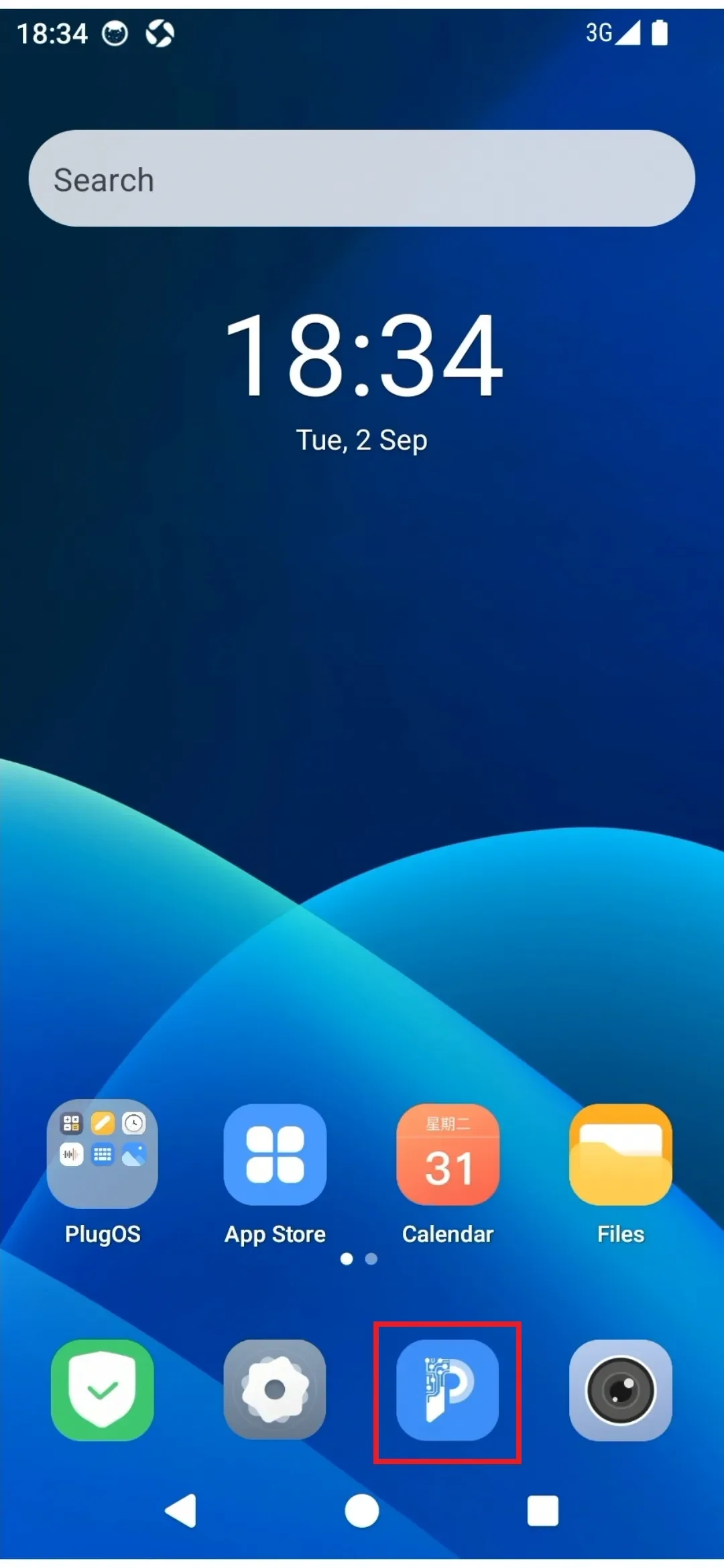
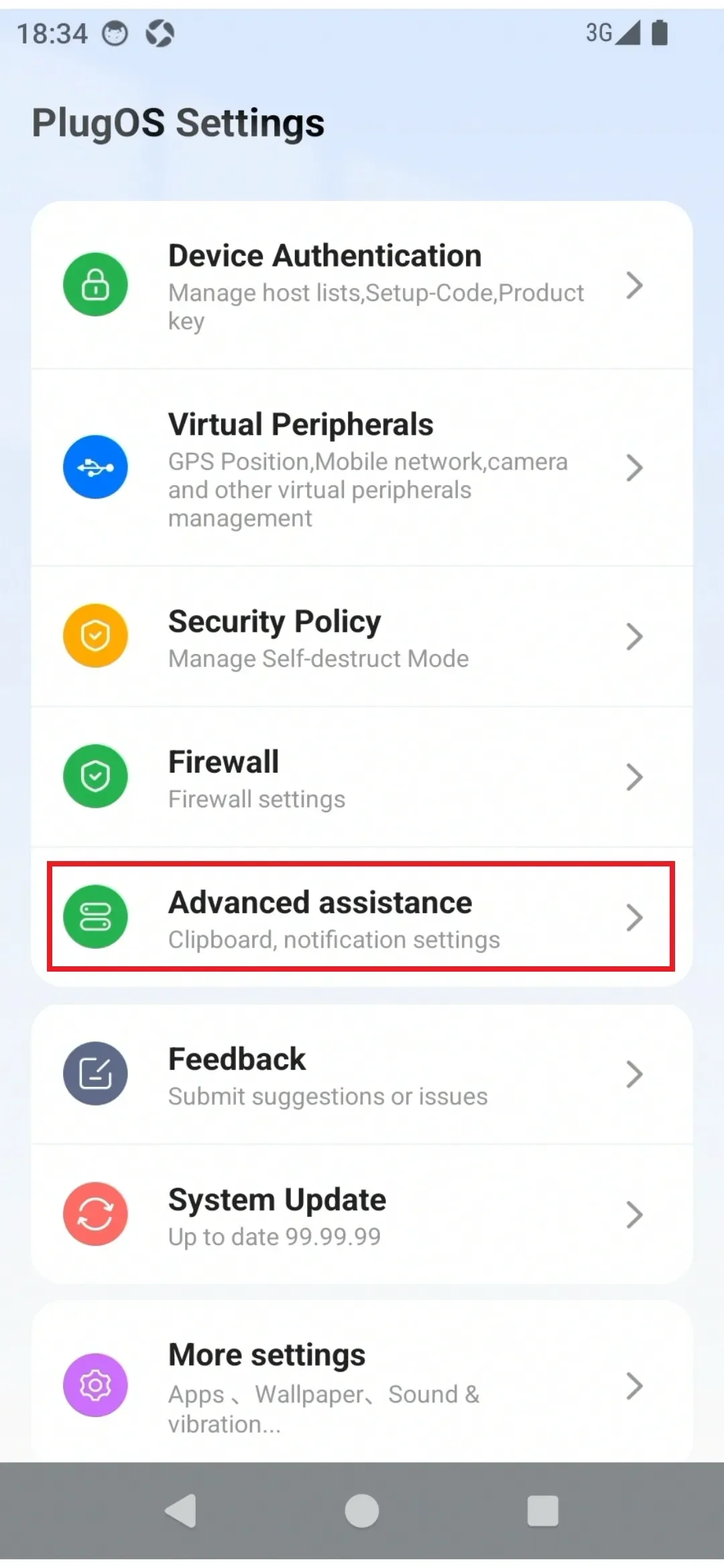
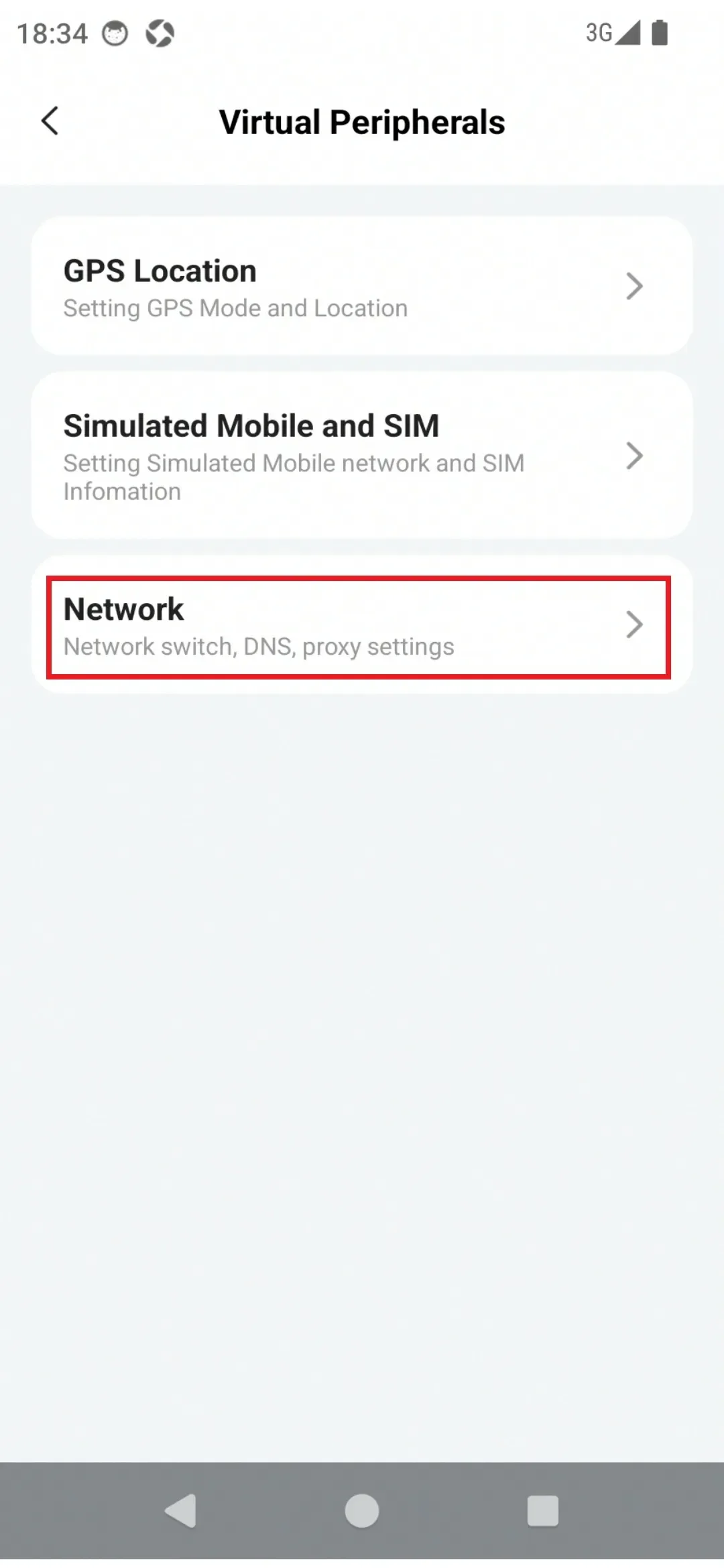
- Enter the device desktop via the PlugOS APP home page, find "PlugOS Settings" → "Advanced assistance" → "Network"
- Click the "Network" switch to turn the network off or on
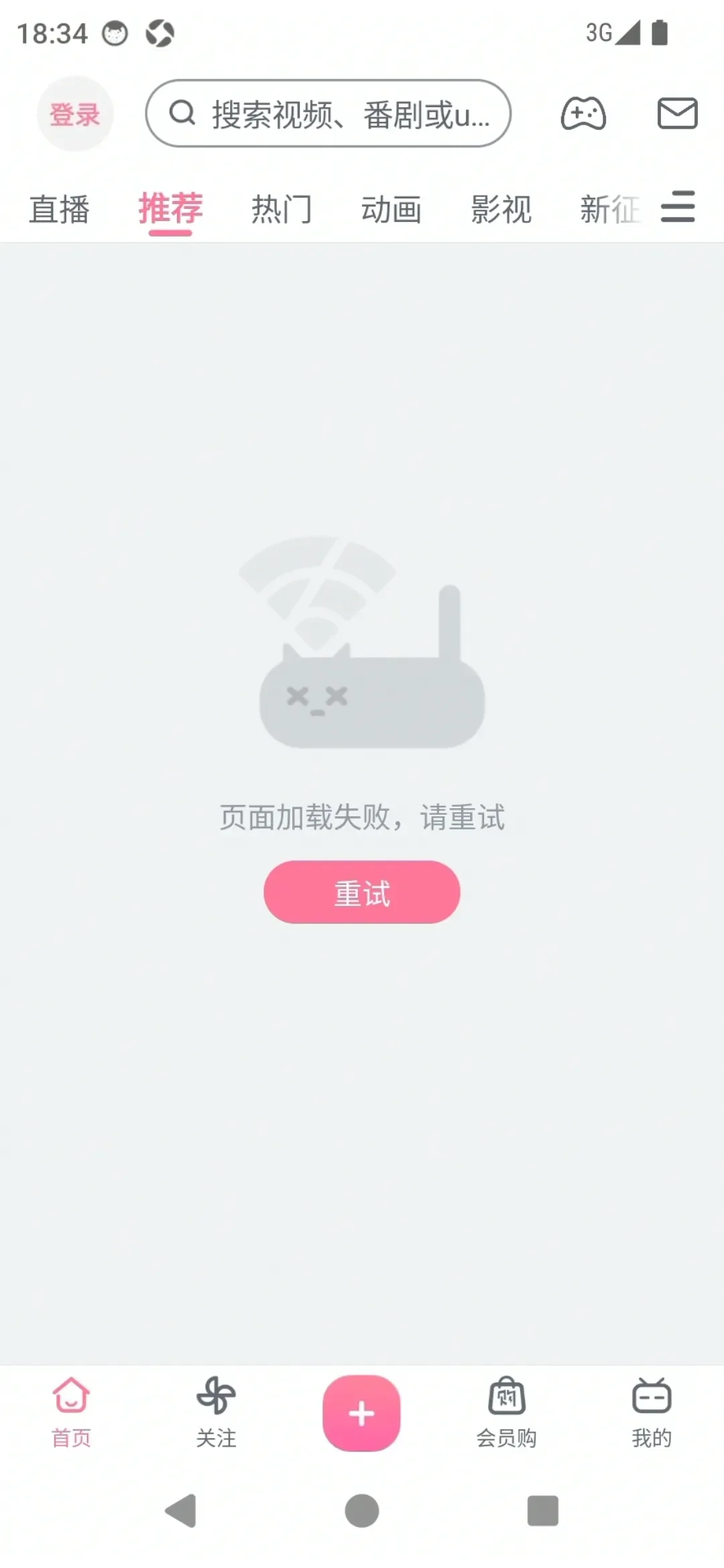
- After the network is turned off, all applications cannot access the network
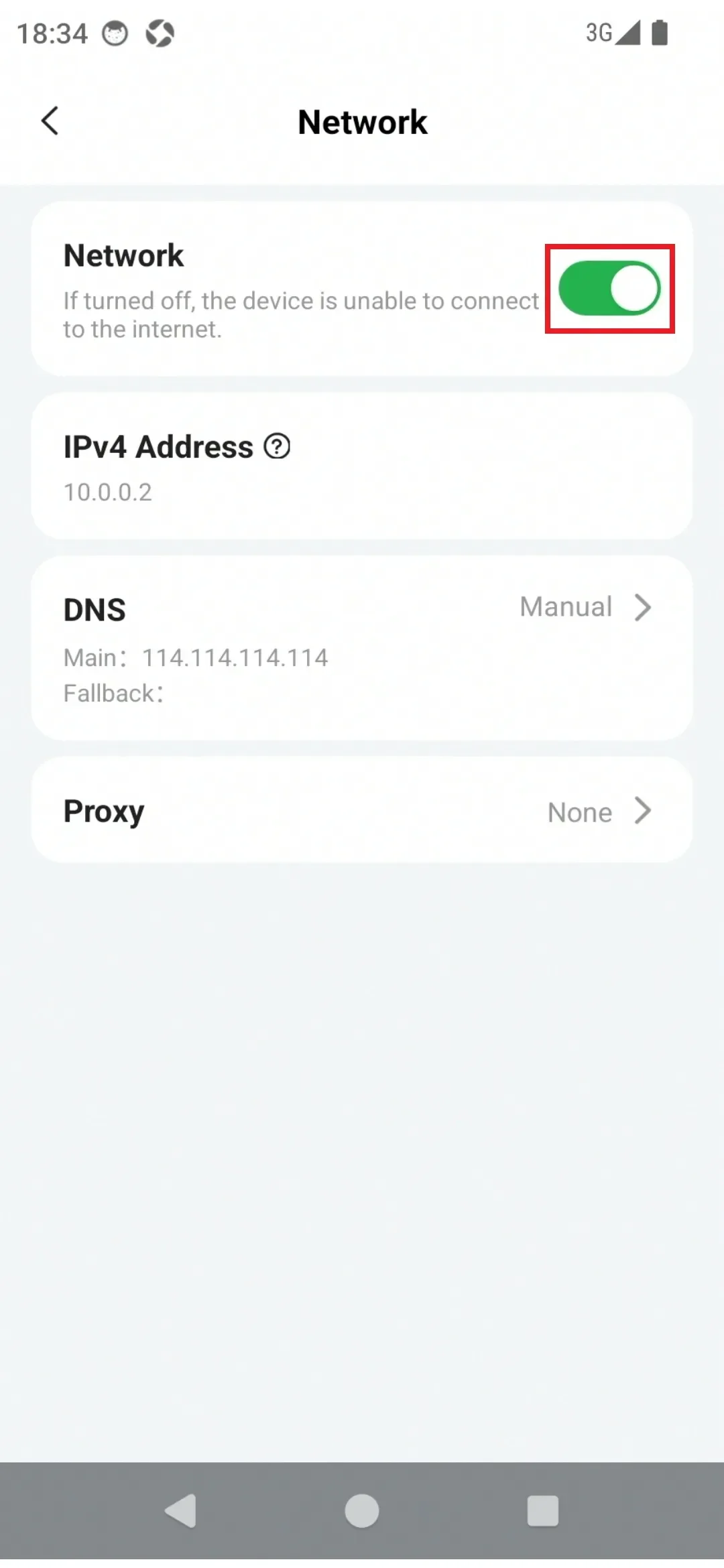
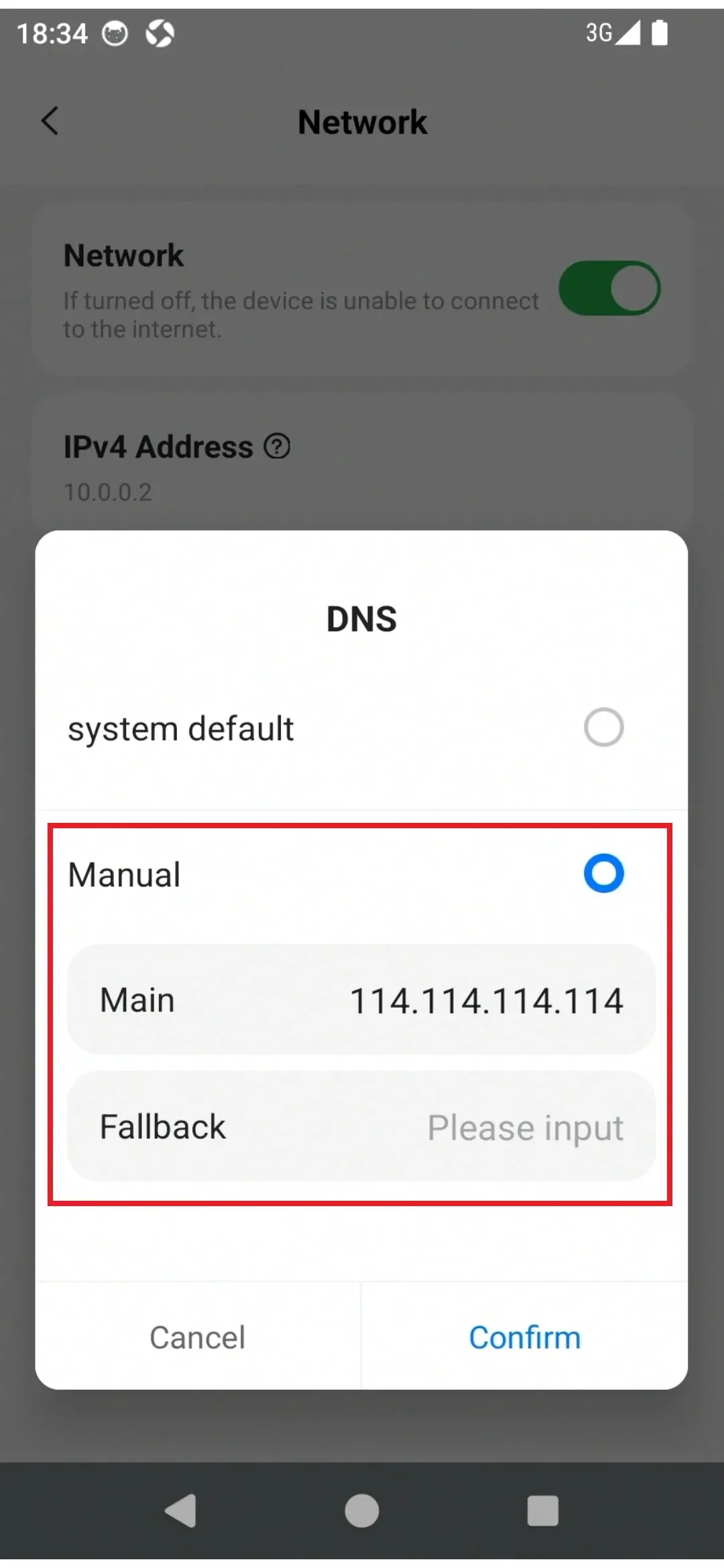
- Click "DNS" to configure DNS settings. (Default is "System Default")
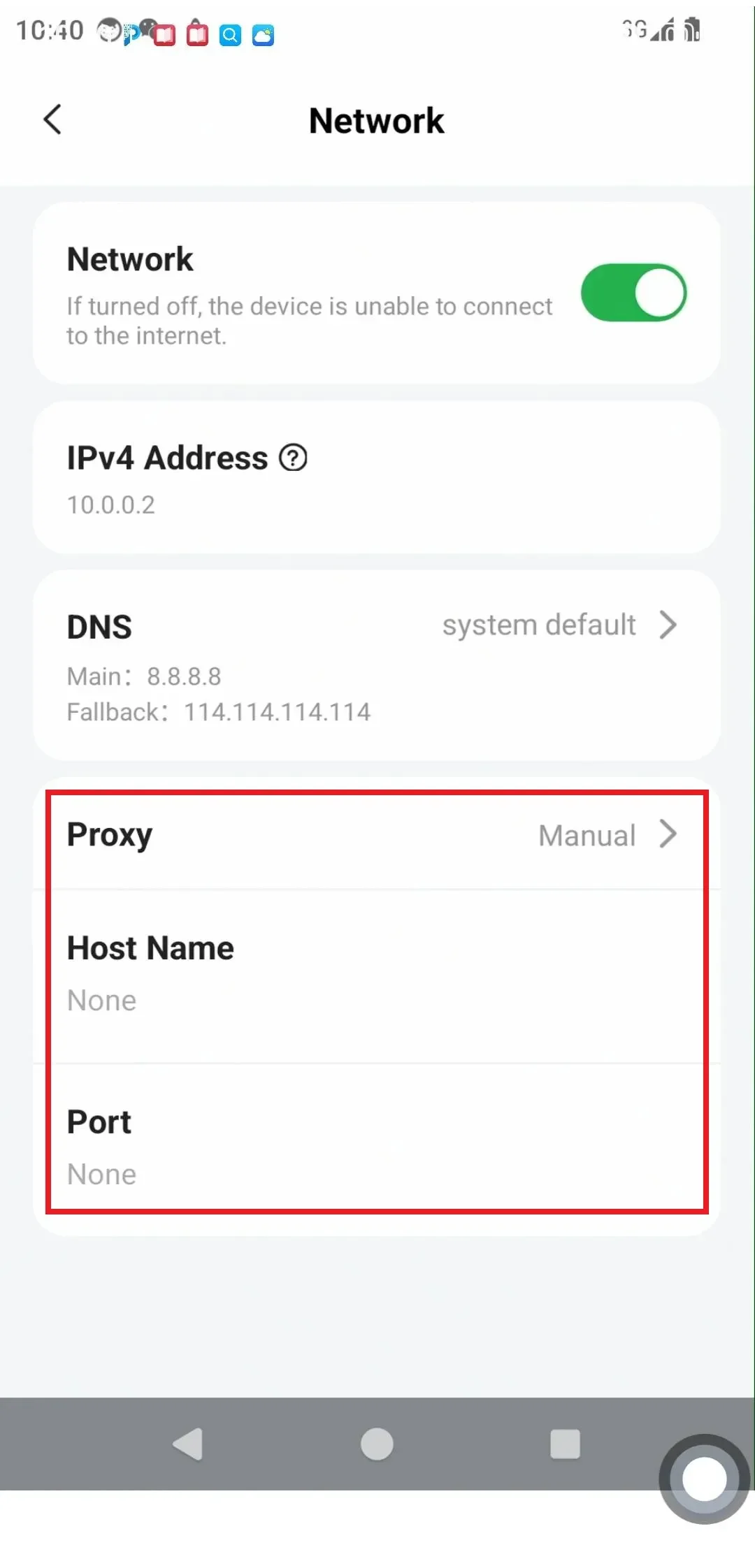
- Click "Proxy" to configure proxy settings. (Default is "None")
Subscribe: Get latest security insights and exclusive updates early
 PlugOS — Privacy isn't an option. It's the foundation
Secure, Ad-free, Tracking-free, No Telemetry
Copyright © 2024-2026 TrustKernel
Privacy Policy | User Service Agreement