What Initialization Does
Initialization prepares the local environment PlugClaw needs to run. It is required the first time PlugClaw is used; after it finishes, you can sign in, configure models, and use conversations, skills, files, and other features.
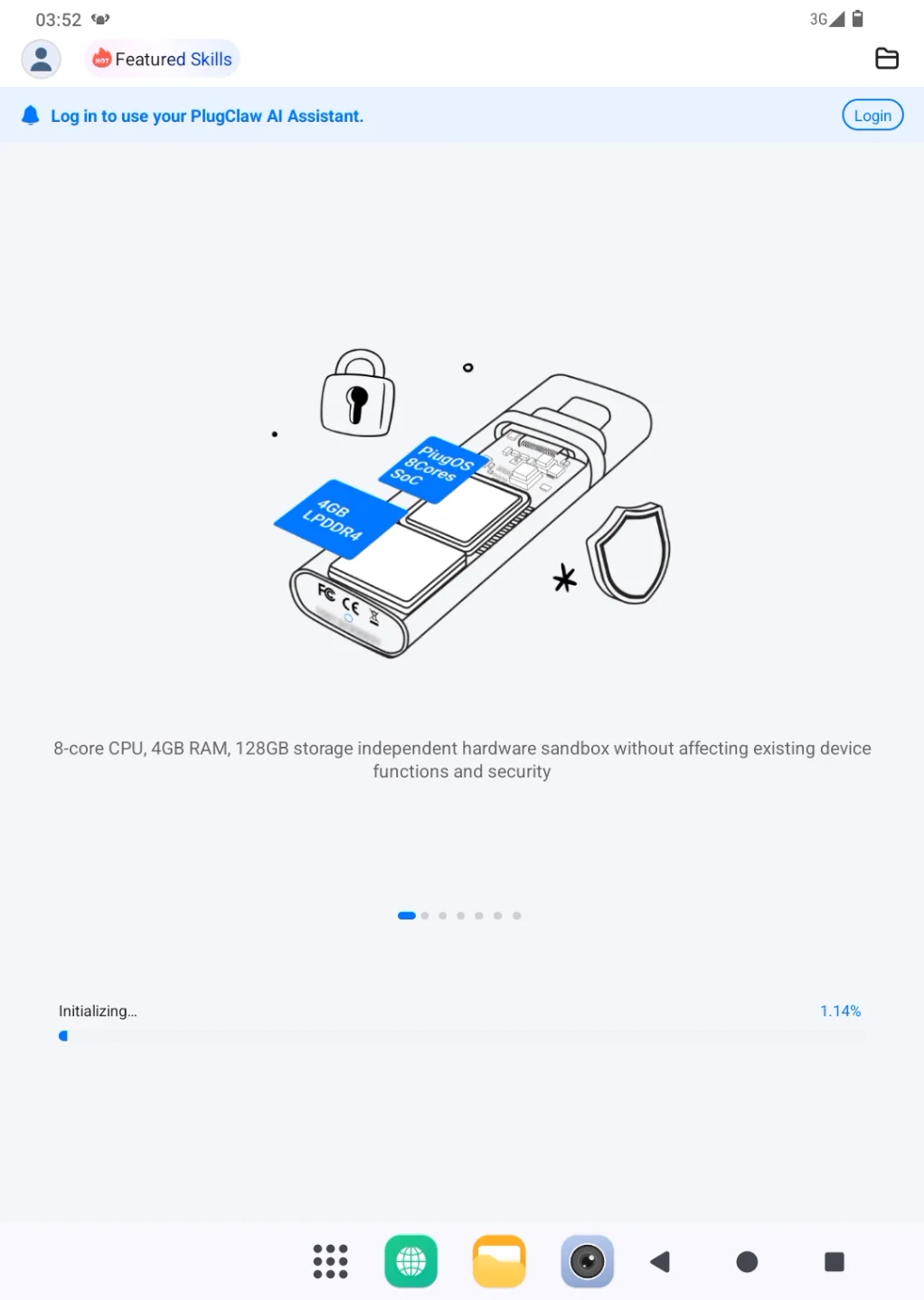
The page shows progress while the environment is being prepared. Completion time depends on network conditions. Keep the device online, leave the PlugClaw page open, and connect the device to power when possible.
First-Time Setup
Before starting, confirm that the device has a stable network connection and enough battery power. Do not restart the device while initialization is in progress.
- The first time PlugClaw opens, the page prompts you to initialize the environment. Complete this step before trying to sign in.
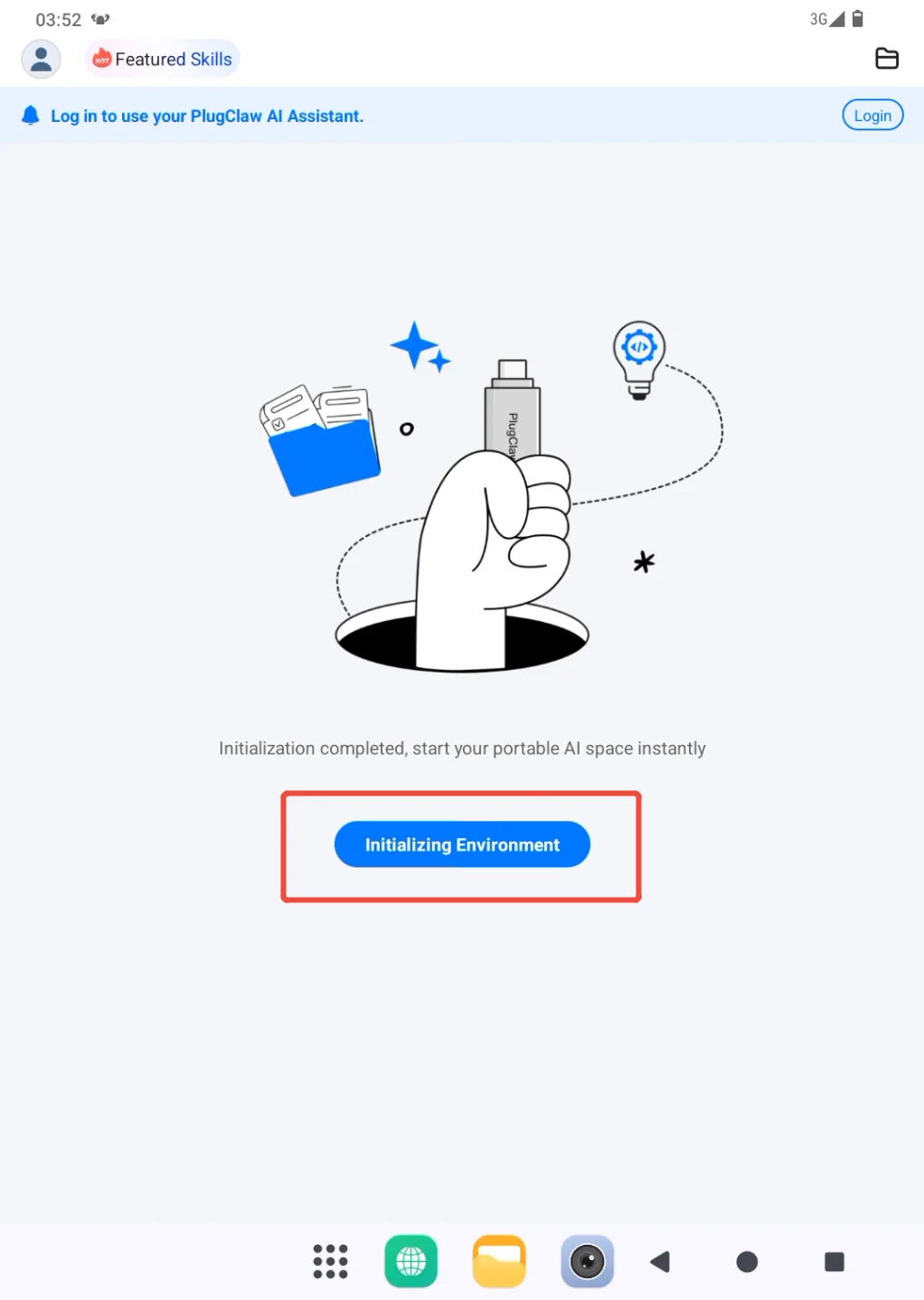
- Start initialization from the prompt. Once the progress page appears, leave it open while PlugClaw completes the setup automatically. If progress is still changing, there is no need to start it again.
When initialization finishes, follow View and Control the Gateway to open the gateway. After the conversation page opens, sign in, set the models, and send a short test message. See Account Login and Model Settings.
If initialization takes longer than expected:
- Continue waiting if the progress indicator is still moving. Network conditions can make the duration vary.
- If progress has not changed for a long time, confirm that the device is still online and keep the page open.
- If the page reports that initialization failed, save the error message or take a screenshot, then reopen PlugClaw and try once more.
- If repeated attempts fail, use Settings > Feedback to report the issue. Do not repeatedly use reinitialization as a general repair method.
 PlugOS — Privacy isn't an option. It's the foundation
Secure, Ad-free, Tracking-free, No Telemetry
