1. Overview
Meeting notes, quick ideas, shopping lists, and to-do items can all be captured as notes. With PlugClaw, users only need to provide the note title, content, and type to create either a regular note or a checklist note.
This case includes two common note types: a regular text note and a checkable list note.
2. Create a Regular Note
Regular notes are suitable for meeting content, idea summaries, work arrangements, study records, and other text-based information.
Example prompt:
Please create a regular note titled “Meeting Notes” with the content “Discuss the August project plan and staffing arrangements.”
Once the title and body are clear, a complete note can be created. For longer content, users can create a draft first and then continue adding or refining details.
3. View the Regular Note
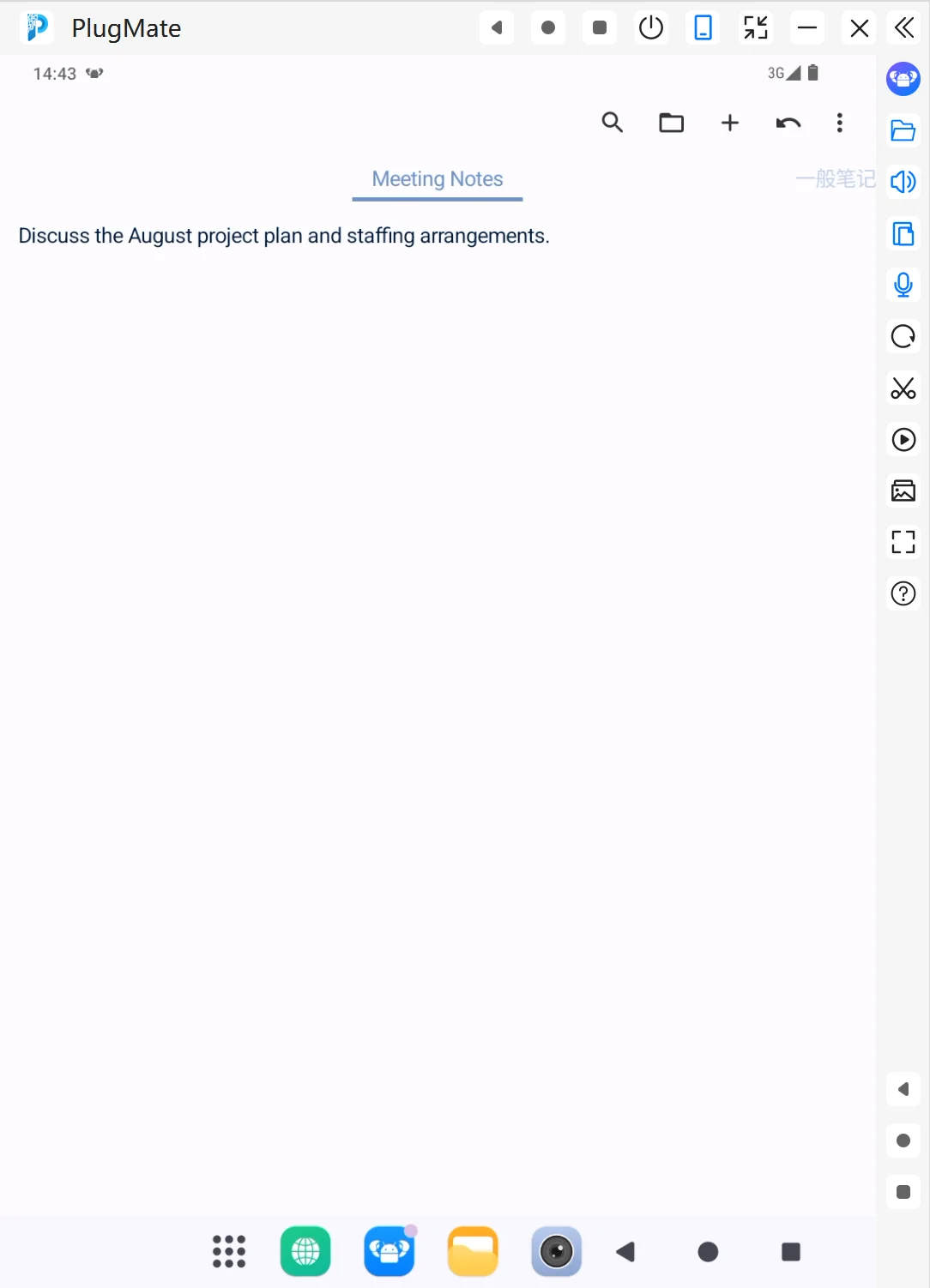
After creation, the system opens the note editing page. In this example:
- The note title is “Meeting Notes”.
- The note type is a regular note.
- The body content is “Discuss the August project plan and staffing arrangements.”
Result preview:
If more detail is needed later, continue with a follow-up request, for example:
Please add three action items to this meeting note.
PlugClaw can also expand brief content into a more complete set of meeting minutes.
4. Create a Checklist Note
Checklist notes are suitable for shopping lists, task lists, inspection items, travel preparation, and other content that needs to be completed item by item.
Example prompt:
Please create a checklist note titled “Shopping List” with the items “milk, eggs, bread”.
When there are multiple items, separate them with commas, punctuation, or line breaks, and PlugClaw will organize them into checklist entries.
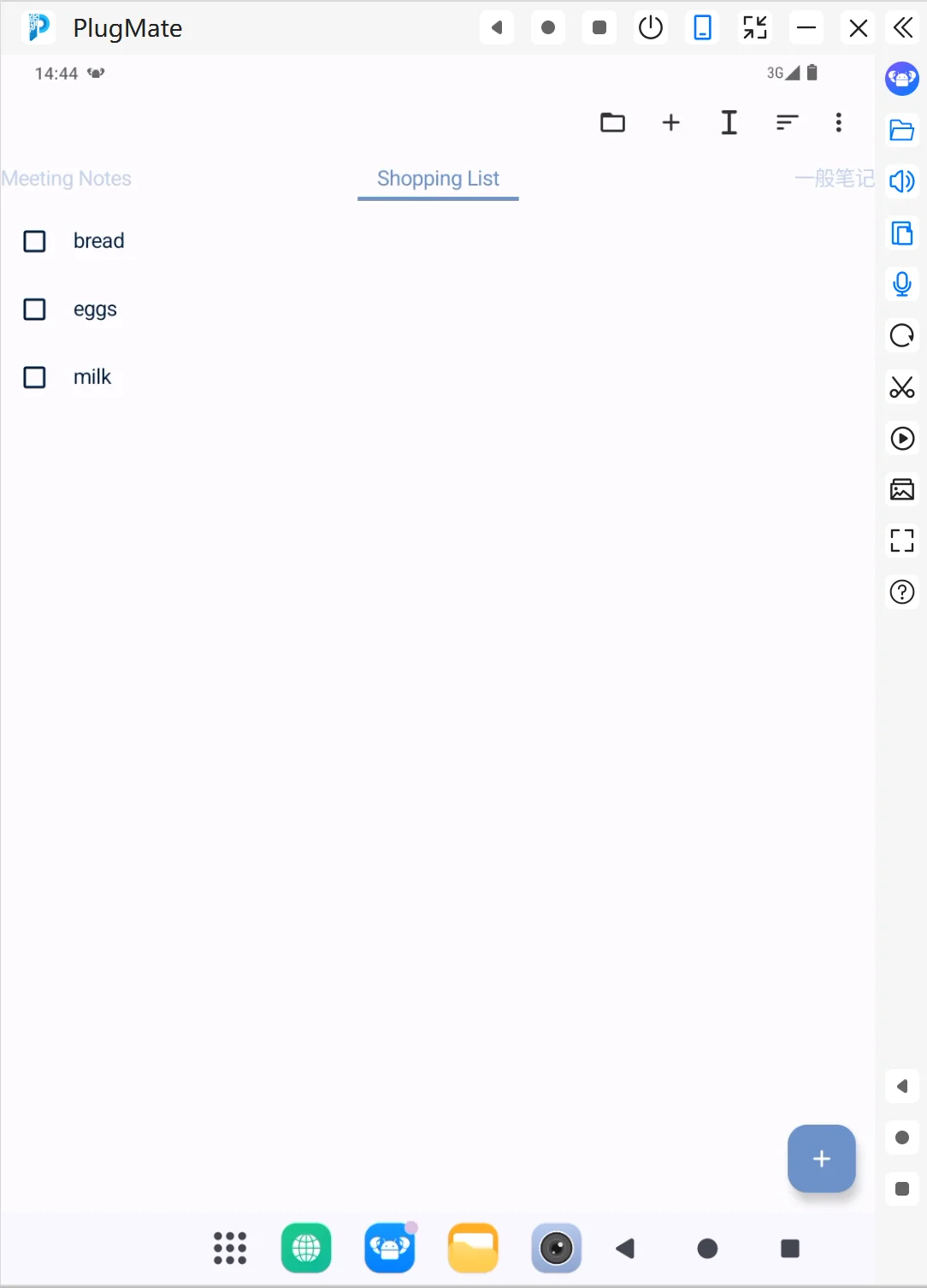
5. View the Checklist Note
After creation, each item appears as a checkable task. In this example, the “Shopping List” contains items such as “eggs”, “bread”, and “milk”.
Result preview:
After the checklist is created, users can continue editing it:
- Please add “fruit” and “yogurt”.
- Please delete “bread”.
- Please change “milk” to “low-fat milk”.
6. Tips
- Use clear titles: Titles affect later search, such as “Meeting Notes”, “Shopping List”, or “Business Trip Prep”.
- Use regular notes for text: Meeting minutes, ideas, and explanatory text are best captured as regular notes.
- Use checklists for tasks: For items that need to be completed one by one, specify “create a checklist note”.
- Build notes gradually: Create the basic note first, then append, delete, rewrite, or categorize content later.
 PlugOS — Privacy isn't an option. It's the foundation
Secure, Ad-free, Tracking-free, No Telemetry
