Directorio
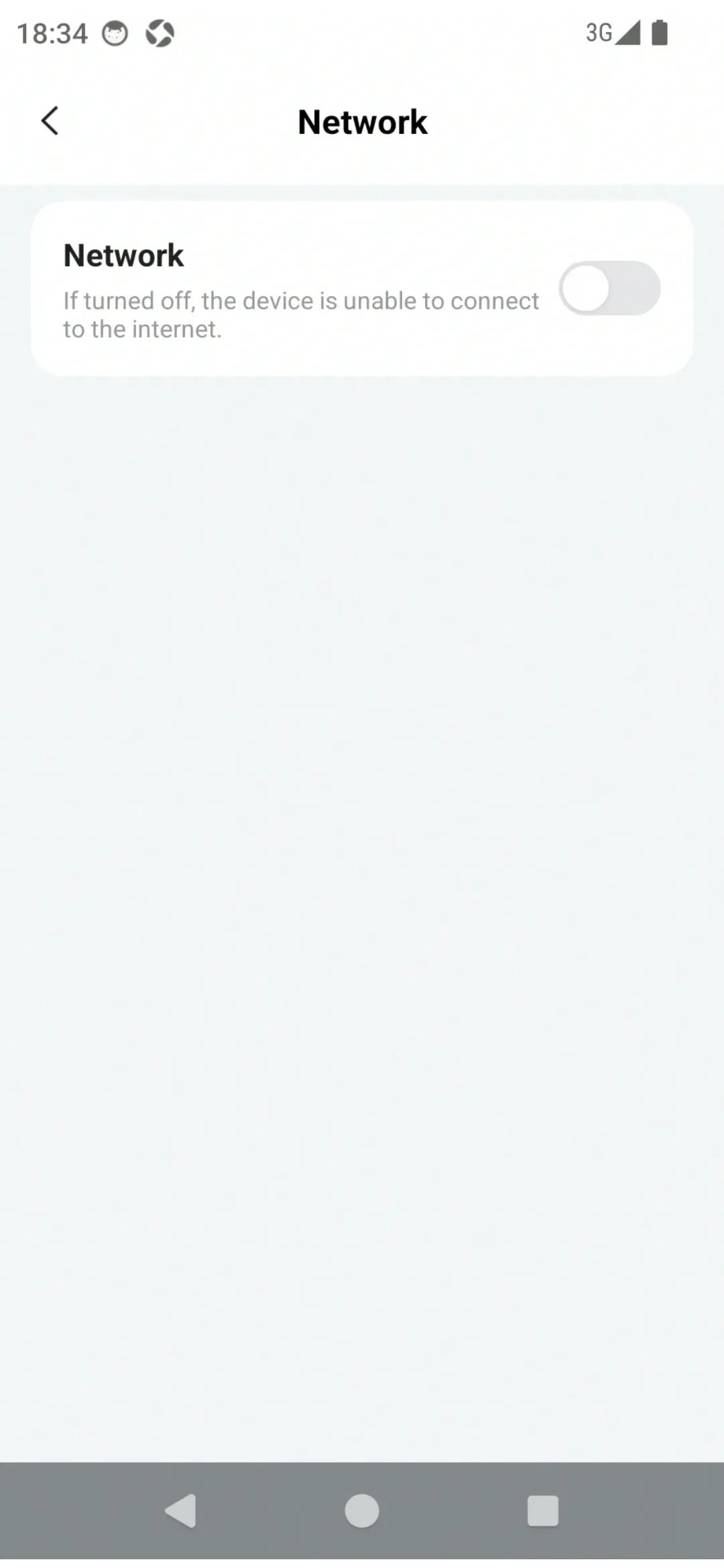
You can turn the network on or off through the Network switch in PlugOS Settings.
How to use:
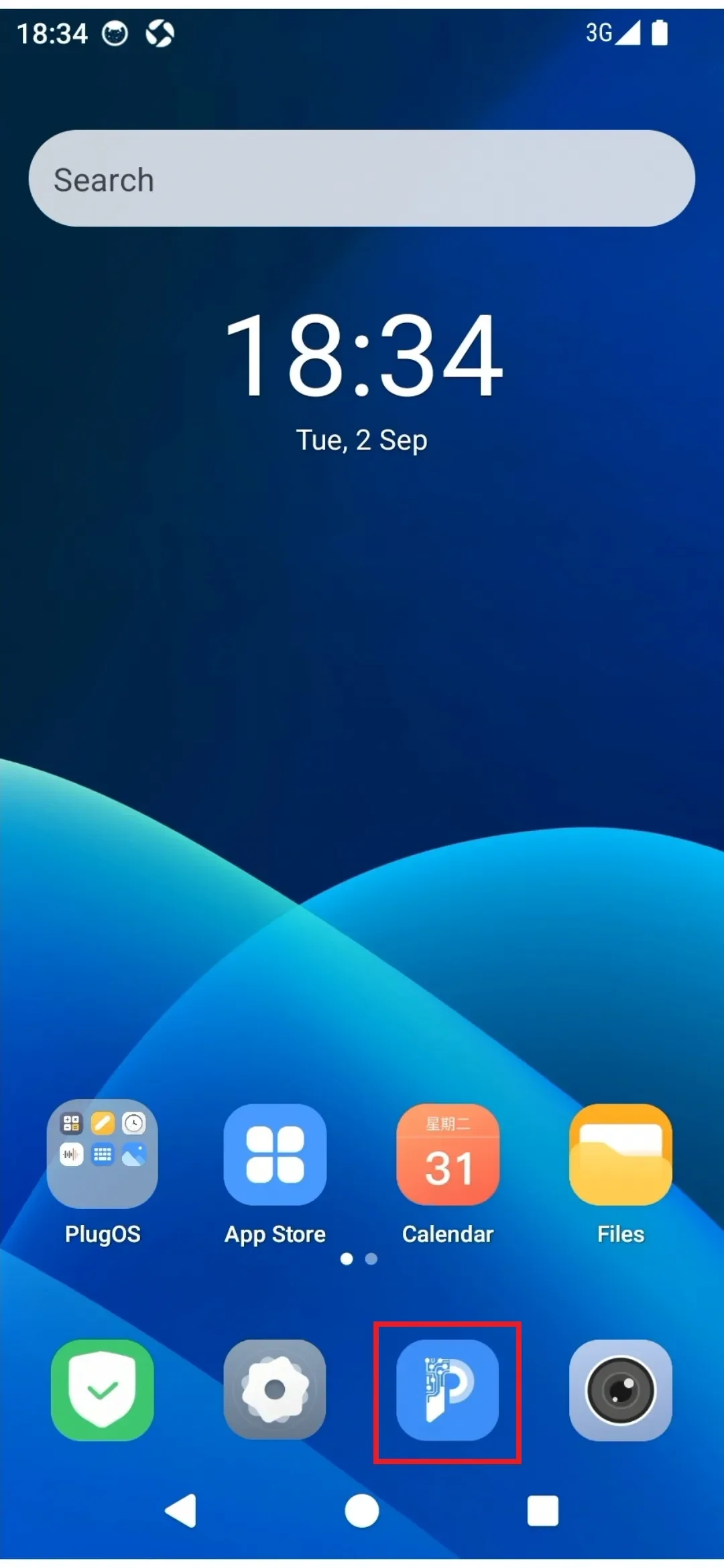
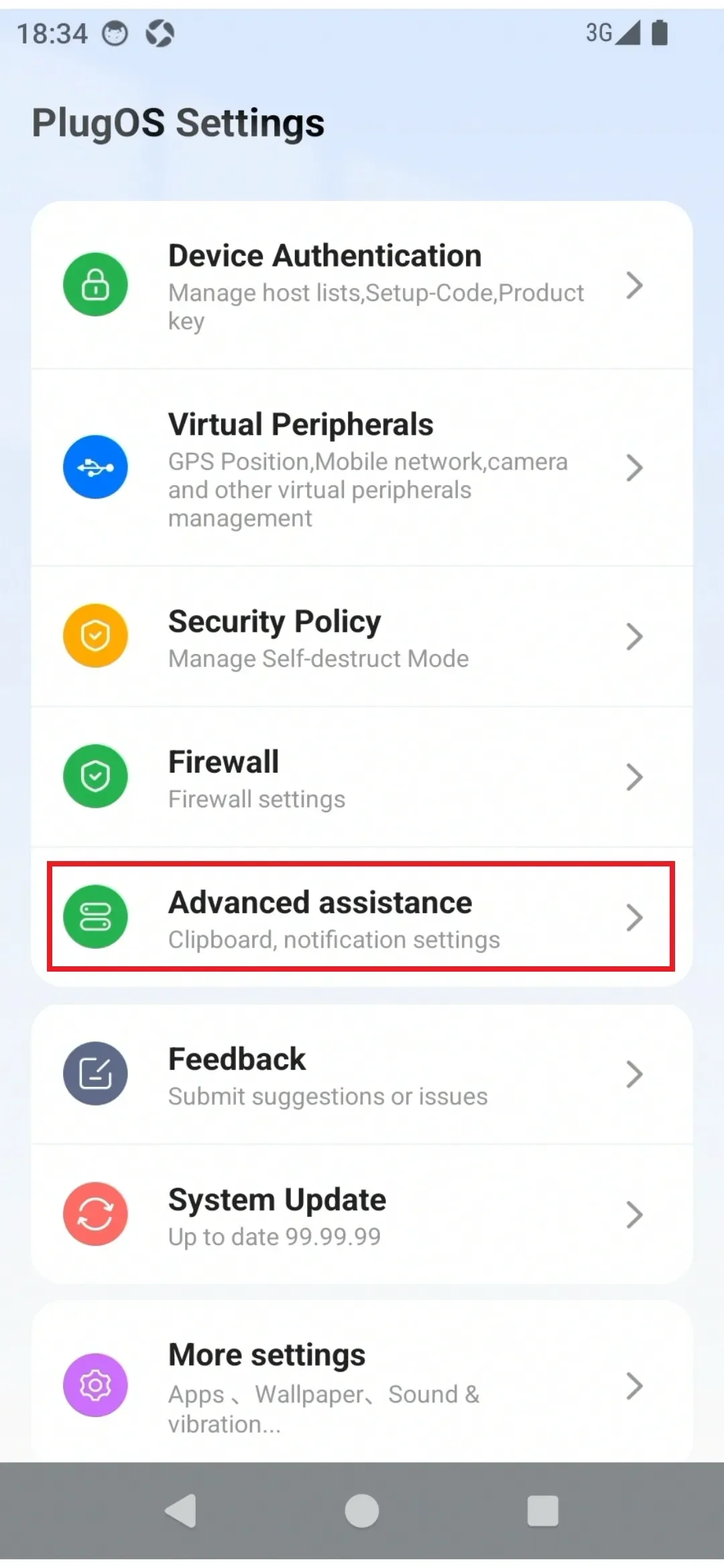
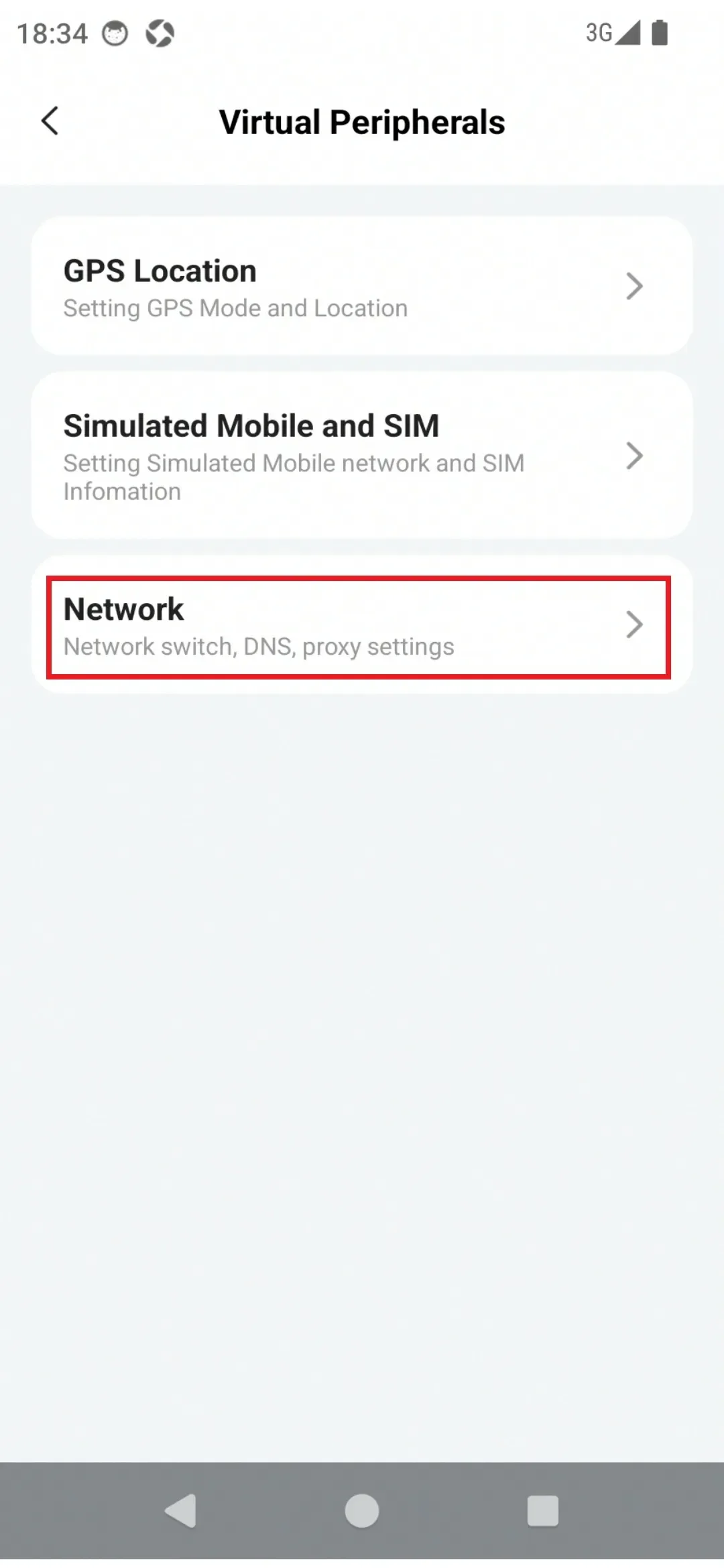
- Enter the device desktop via the PlugOS APP home page, find "PlugOS Settings" → "Advanced assistance" → "Network"
- Click the "Network" switch to turn the network off or on
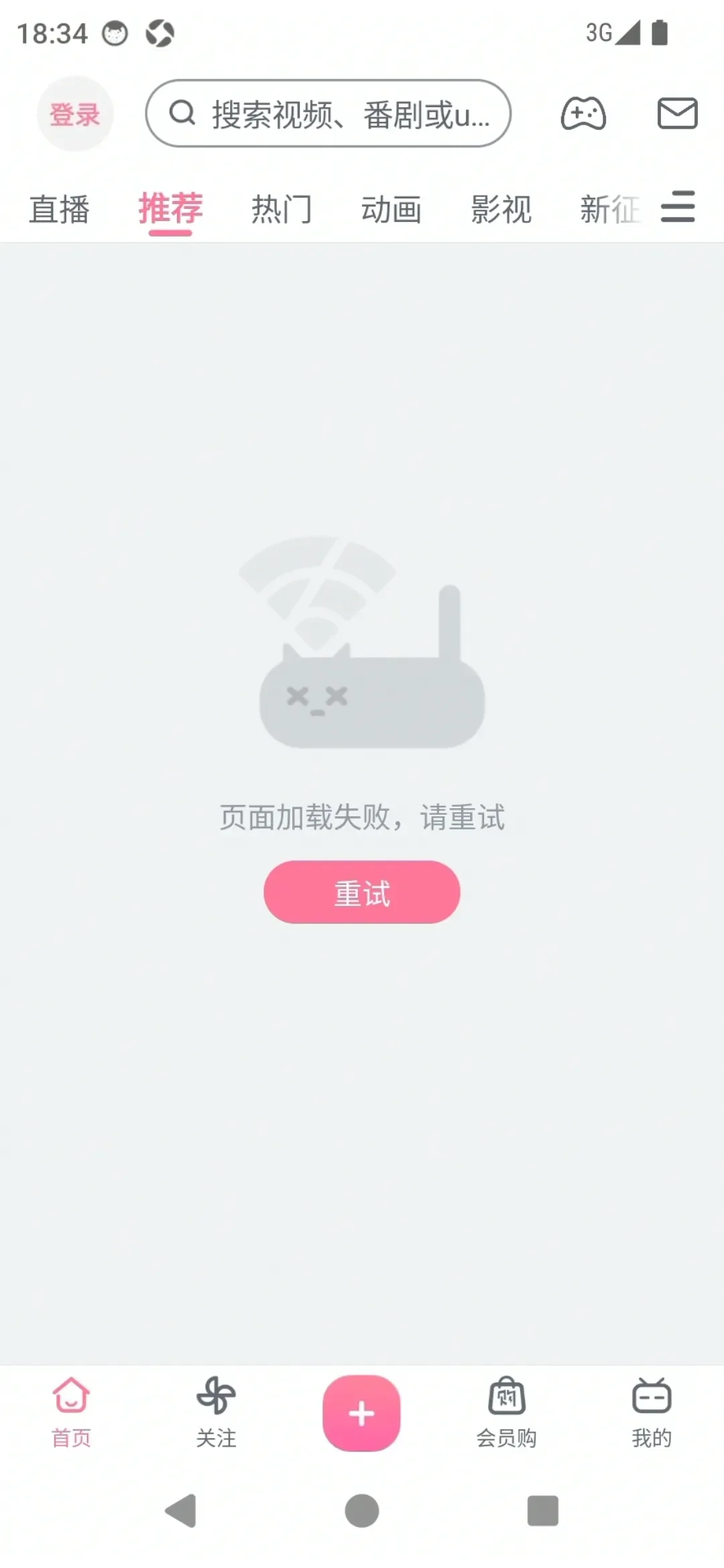
- After the network is turned off, all applications cannot access the network
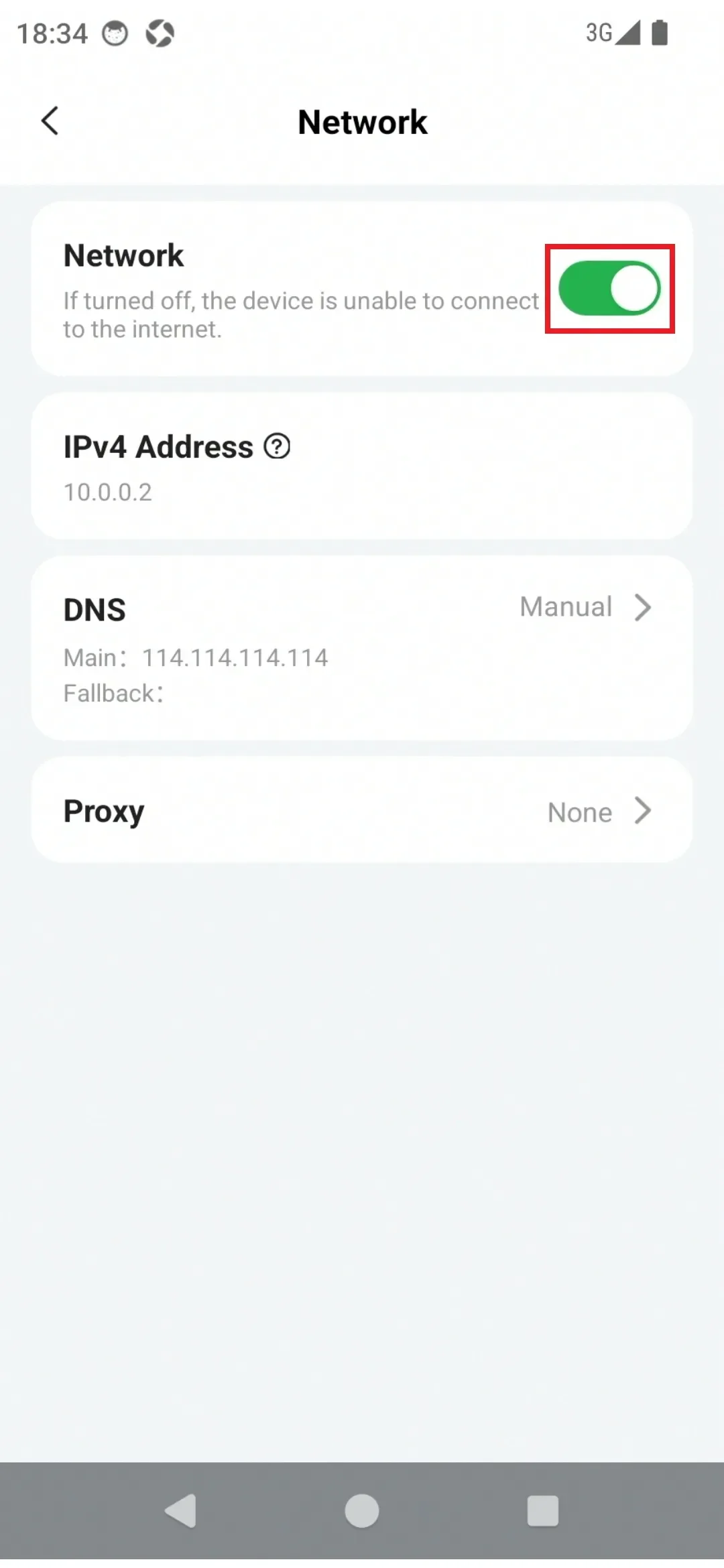
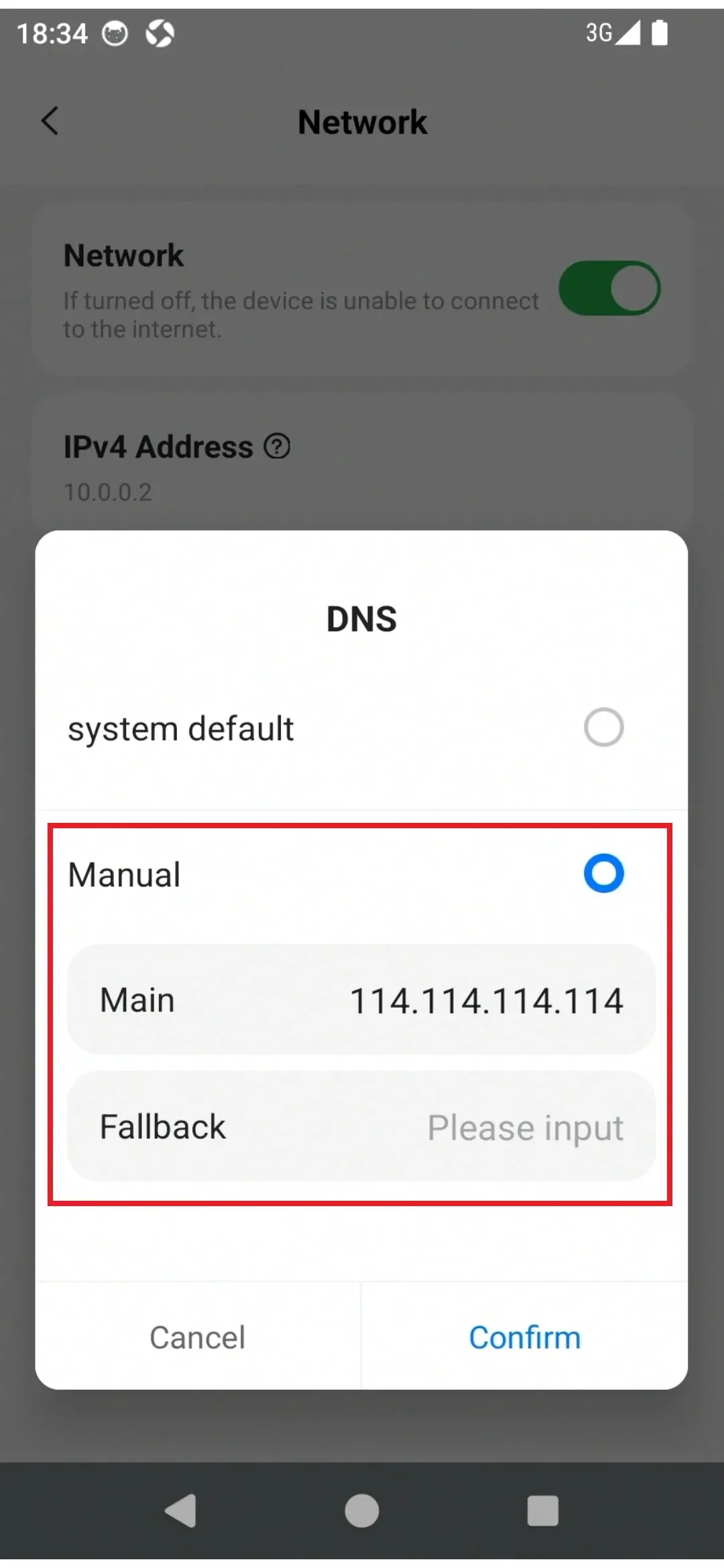
- Click "DNS" to configure DNS settings. (Default is "System Default")
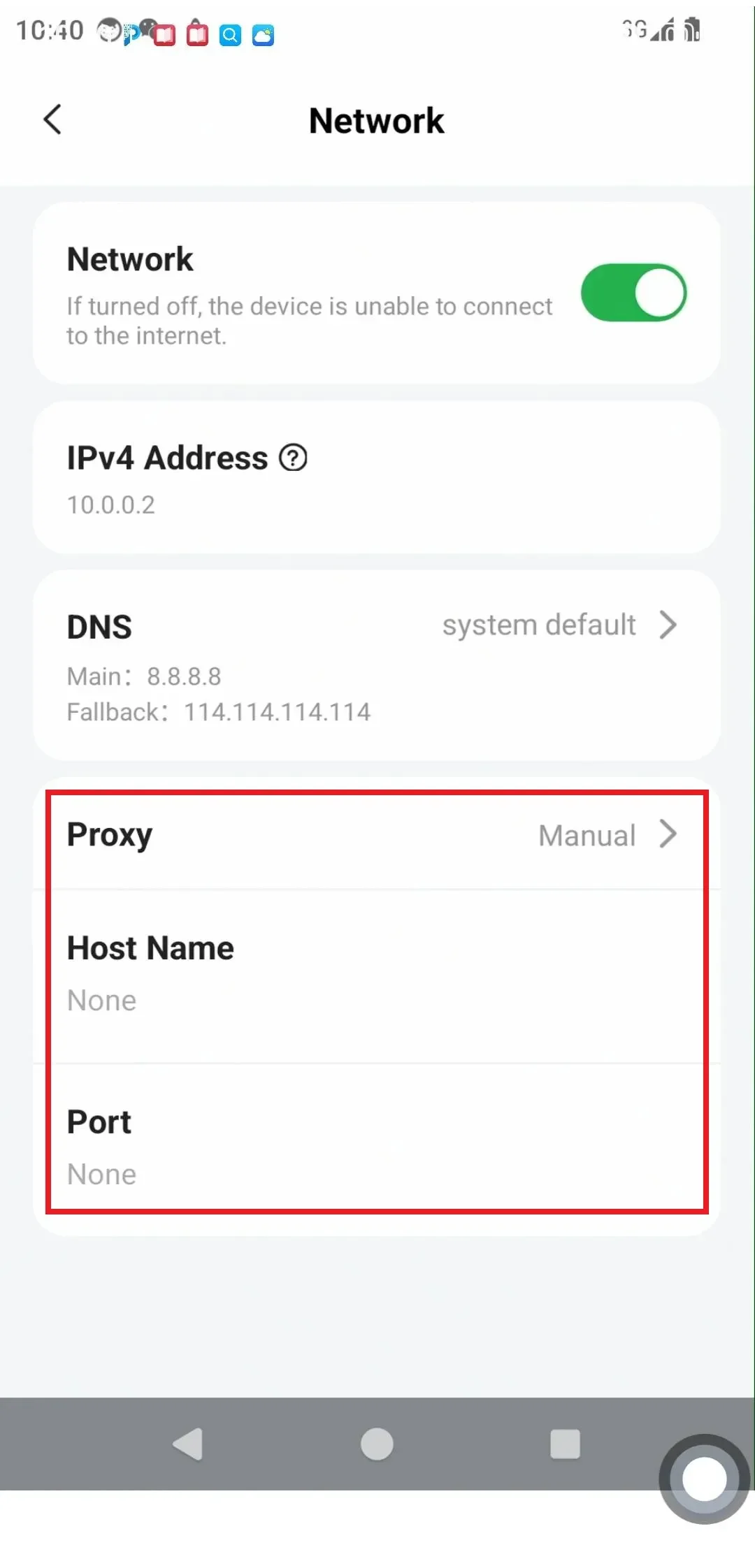
- Click "Proxy" to configure proxy settings. (Default is "None")
Suscríbete al boletín para recibir información exclusiva sobre seguridad y novedades
 PlugOS — La privacidad no es una opción. Es la base
Seguro · Sin publicidad · Sin rastreo · Sin recolección de datos en segundo plano
Copyright © 2024-2026 TrustKernel
Política de Privacidad | Acuerdo de Servicio al Usuario