Feature Overview
App management is used in PlugClaw to view, launch, and maintain apps on an Android device.
Supported Capabilities
You can view installed apps, check whether an app exists, view package names and version information, launch apps, or open URLs. For app maintenance, you can install, update, reinstall, or uninstall apps, view the current foreground app, or force stop a specified app.
Usage Examples
View Apps on the Device
When you are not sure whether an app is installed on the device, or need to confirm the app name or package name, you can view the app list first.
- Enter this in the PlugClaw conversation:
Show me which apps are installed on the device.
- Check the app list returned by PlugClaw and confirm whether the target app exists. The list usually includes app names and package names. You can then use this information to open the app, view details, or uninstall it.
Open a Specific App
When you need to enter an Android app page, you can directly specify the app name to open.
- Enter this in the PlugClaw conversation:
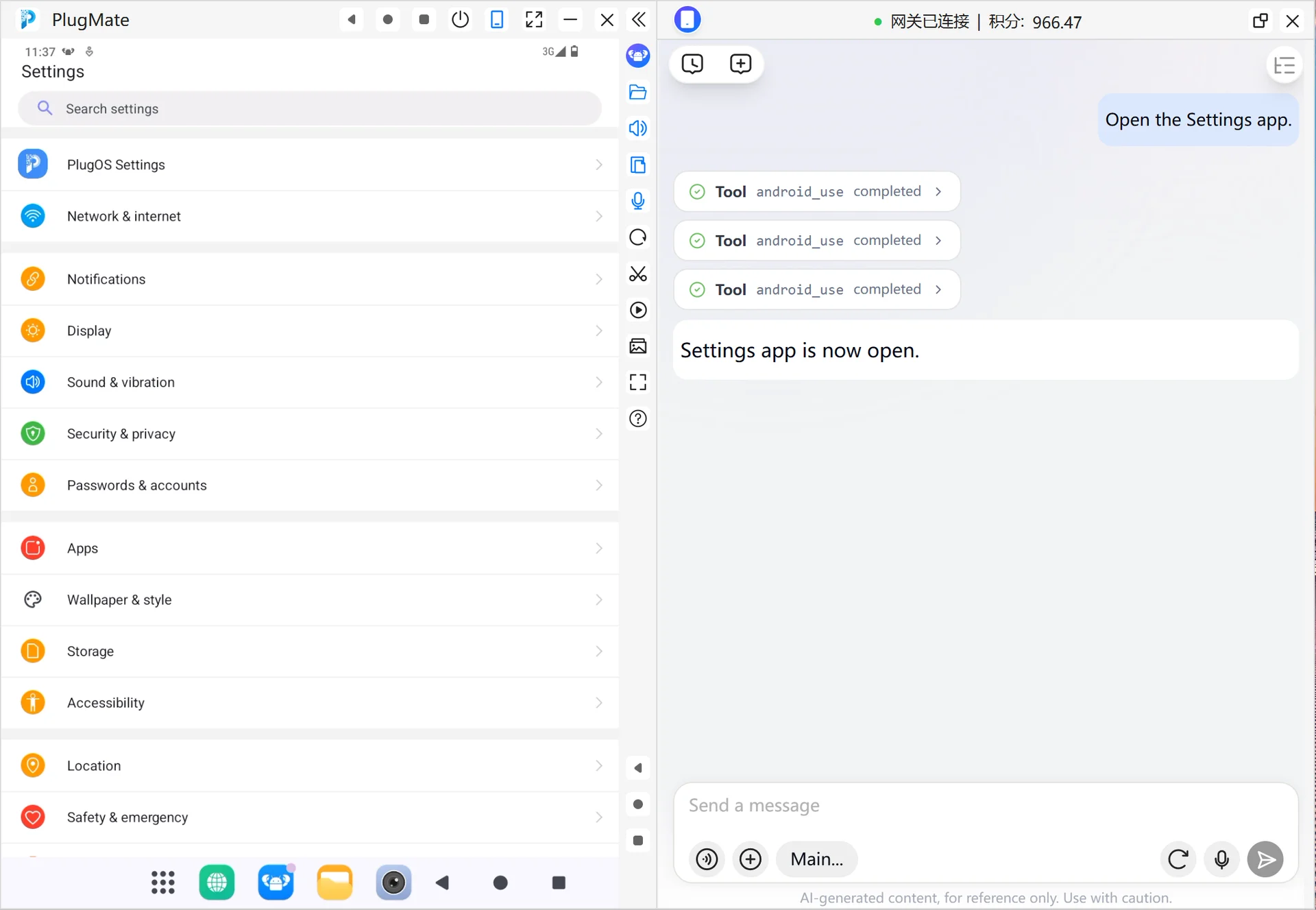
Open the Settings app.
- Wait for the device to switch to the Settings page. After the page opens, you can continue by asking PlugClaw to take a screenshot, check the current foreground app, or perform follow-up page operations.
Install a Specific App
When you need to install an app on the device, you can directly specify the app name. Using Easy Notes as an example, PlugClaw will first check for a clear and trusted app match, then prepare the installation package and check whether the app is already installed on the device.
- Enter this in the PlugClaw conversation:
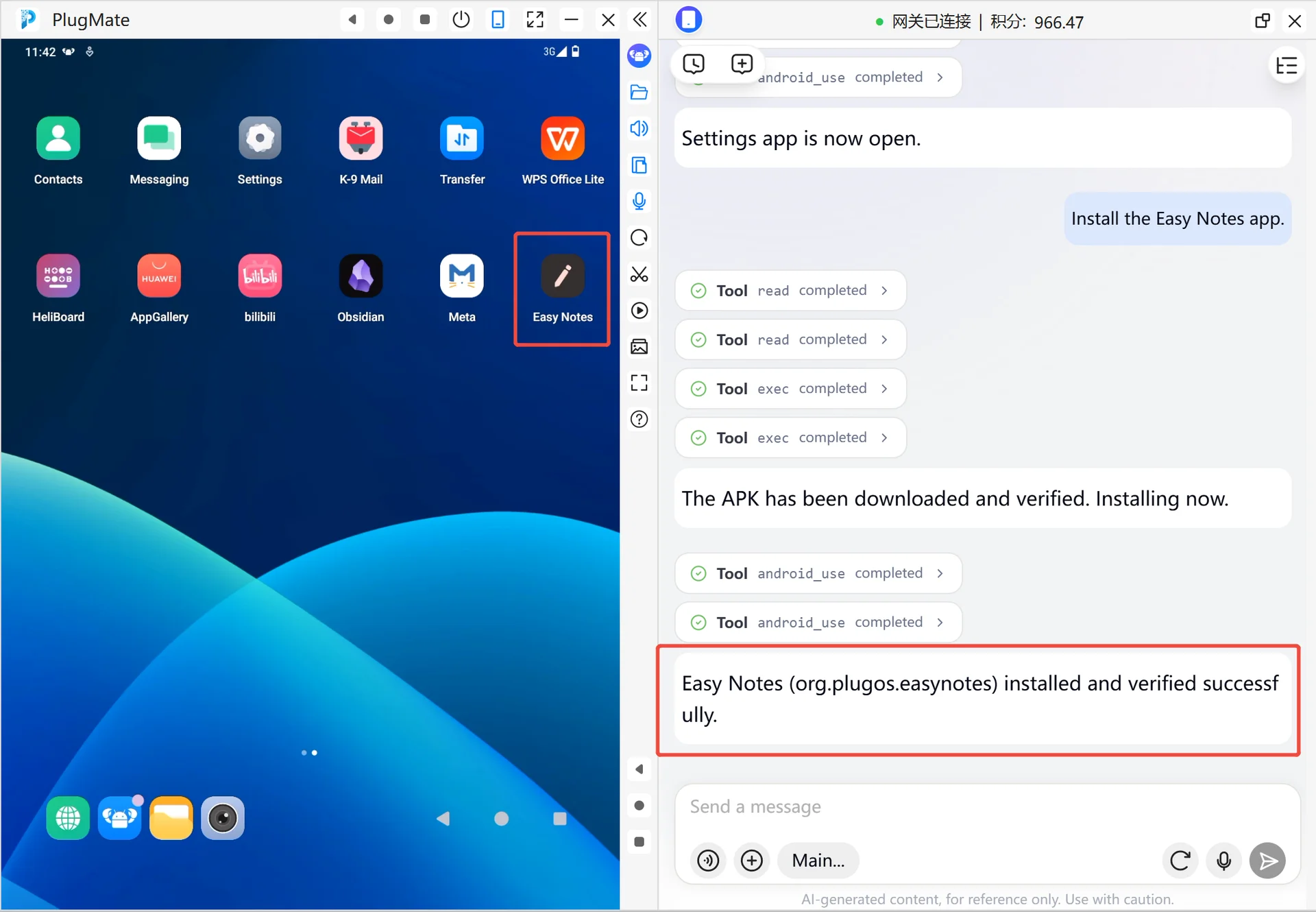
Install the Easy Notes app.
Check the match returned by PlugClaw and confirm that the target app is Easy Notes. If the result is not unique, add the app source or more name details as prompted.
If Easy Notes is already installed, PlugClaw will report that the app already exists. If it is not installed, PlugClaw will prepare the installation package and install it.
After installation, PlugClaw will check whether Easy Notes was installed successfully. You can also continue by asking PlugClaw to open Easy Notes.
 PlugOS — компактное умное устройство, ваша конфиденциальность под контролем
Безопасно · Без рекламы · Без отслеживания · Без сбора фоновых данных
