2026-08-12
Thanks to its high level of customization, excellent stability, and powerful productivity features, Linux has become the priority for many users.
Meanwhile, these users often have practical needs: they want to easily run applications available in the Android ecosystem, such as industry-specific mobile software, banking apps, WeChat tools, or various mobile productivity apps.
Common alternatives currently include Android virtual machines, containerized environments, and dual-boot systems.
Android virtual machines and containers require running the Android environment within the Linux host system. While convenient, this approach will lead to issues such as tight coupling, permission conflicts, and resource contention. Dual-boot systems, while maintaining system independence, also require frequent reboots and do not support running two instances simultaneously, bringing inconvenience.
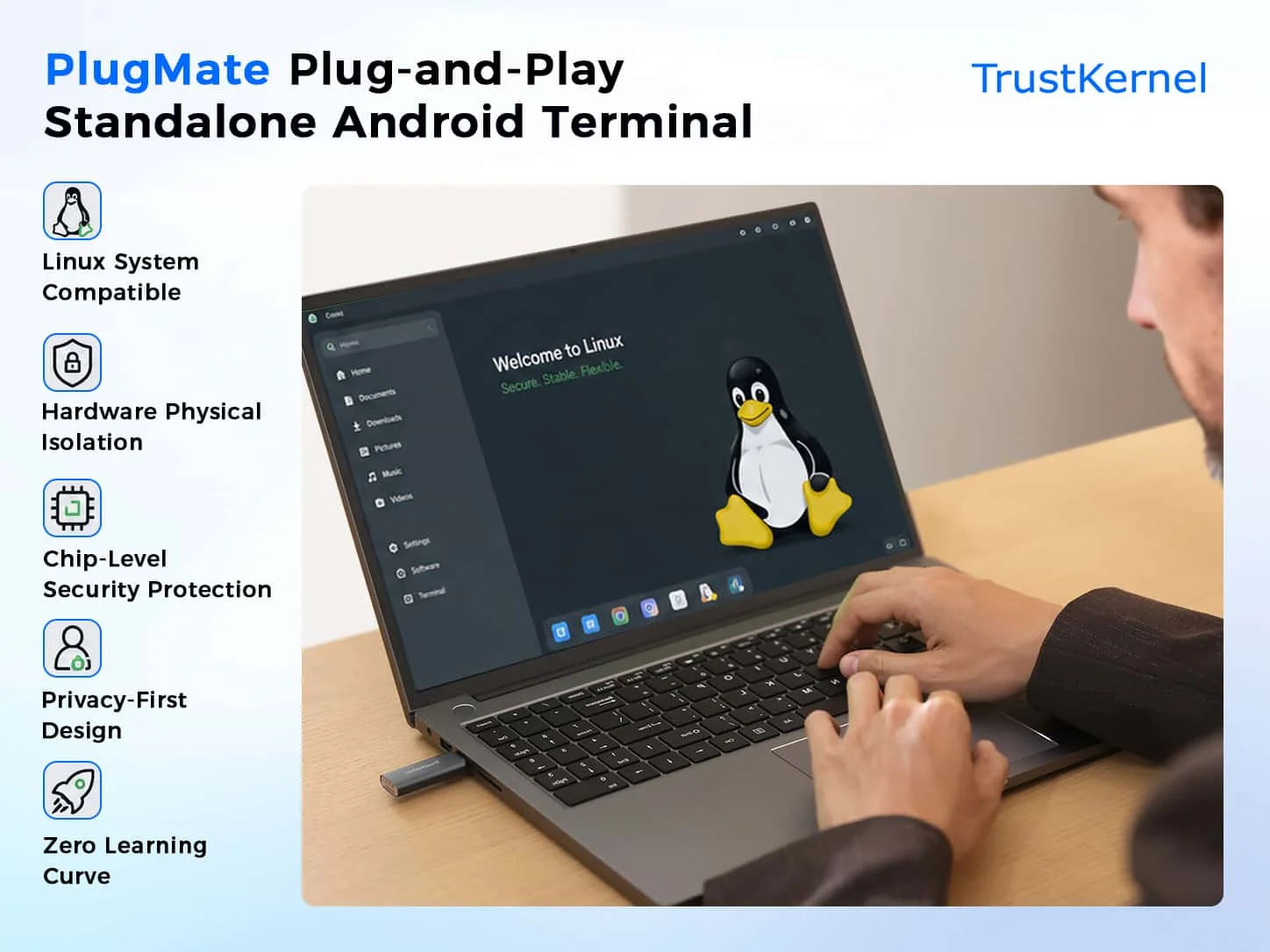
To address this, we have introduced the PlugMate solution.
Through a plug-and-play approach, PlugMate connects directly to a Linux computer via dedicated hardware. Without complex installation or configuration, after insertion, users can quickly access the independent Android runtime environment of PlugOS through the host application. Even ordinary users can get started immediately.
Technically, we have achieved the following core advantages:
1.Physical hardware isolation
PlugMate runs on a completely independent portable device. All computing, storage, encryption, and data processing are performed internally, maintaining both physical and logical isolation from the Linux host system. Even if the host Linux environment encounters security issues, the core data within PlugMate remains difficult to access directly.
2.Chip-level security protection
Leveraging CC EAL4+ certified TEE and EAL6+ certified SE security components, it supports full-disk encryption, a zero-trust architecture, and a hardware root of trust, providing robust protection for sensitive data and operations.
3.Privacy-First Design
By default, there is zero data collection, no telemetry, and no ads. Equipped with tools such as sensor virtualization and a system-level firewall, it empowers users to independently control data flow, significantly reducing the risk of privacy breaches.
4.Zero-Threshold Usability
No additional drivers or complex configurations are required. Display output, input forwarding, and encrypted network transmission are achieved through a restricted I/O proxy, allowing for quick access to the Android app ecosystem while preserving the host environment.
PlugMate offers another option for users seeking to balance Linux productivity with the Android ecosystem, with a strong emphasis on hardware-level security isolation and privacy protection. Actual compatibility and performance depend on the specific Linux distribution, hardware configuration, and usage scenarios; we recommend referring to the official documentation for testing and verification.
We welcome members of the Linux community to try PlugMate and provide feedback on their experience, so we can work together to improve PlugMate's cross-system security capacity.
Subscribe: Get latest security insights and exclusive updates early
 PlugOS — Privacy isn't an option. It's the foundation
Secure, Ad-free, Tracking-free, No Telemetry
Copyright © 2024-2026 TrustKernel
Privacy Policy | User Service Agreement