directory
The UOS system on the device supports different screen lock methods, including Password, Pattern, and PIN. You can set it according to your usage habits.
How to use:
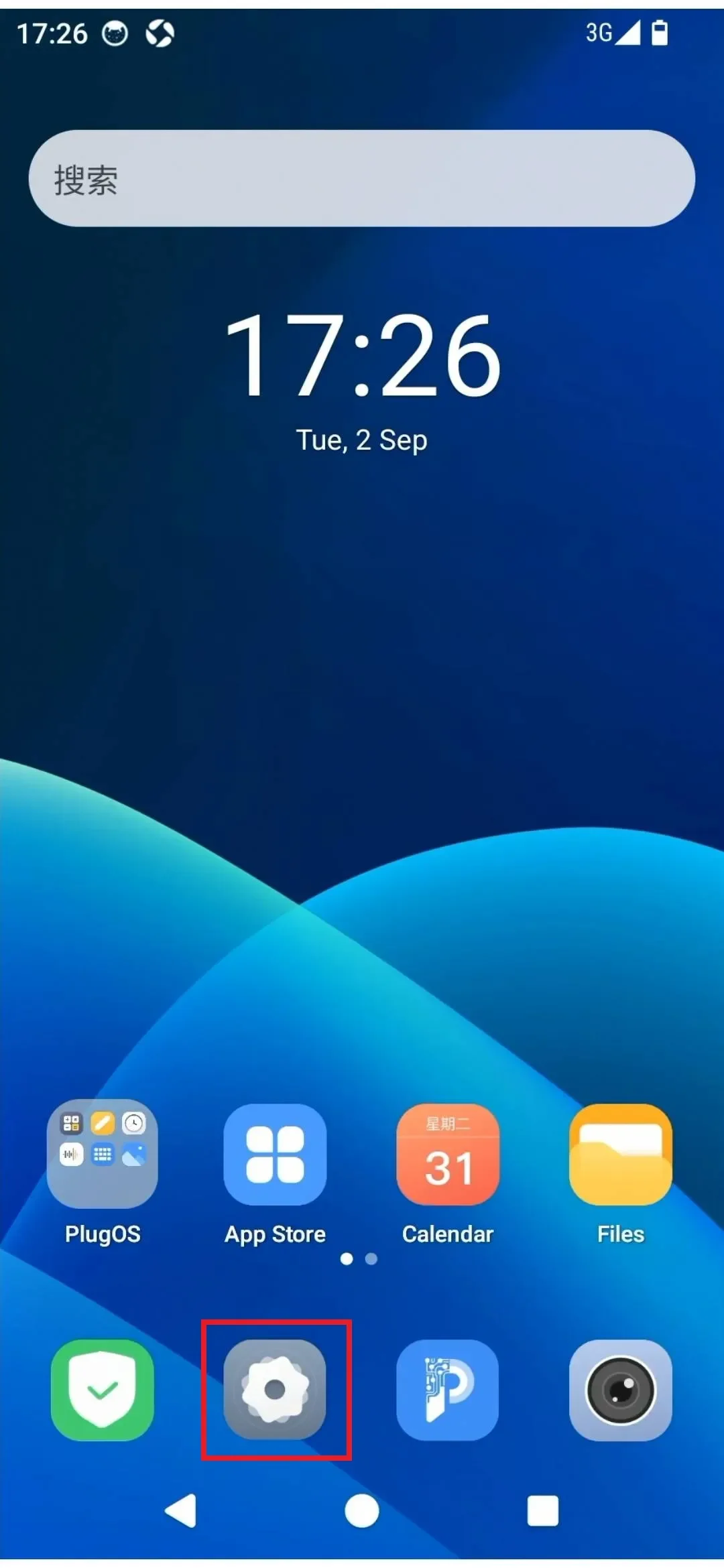
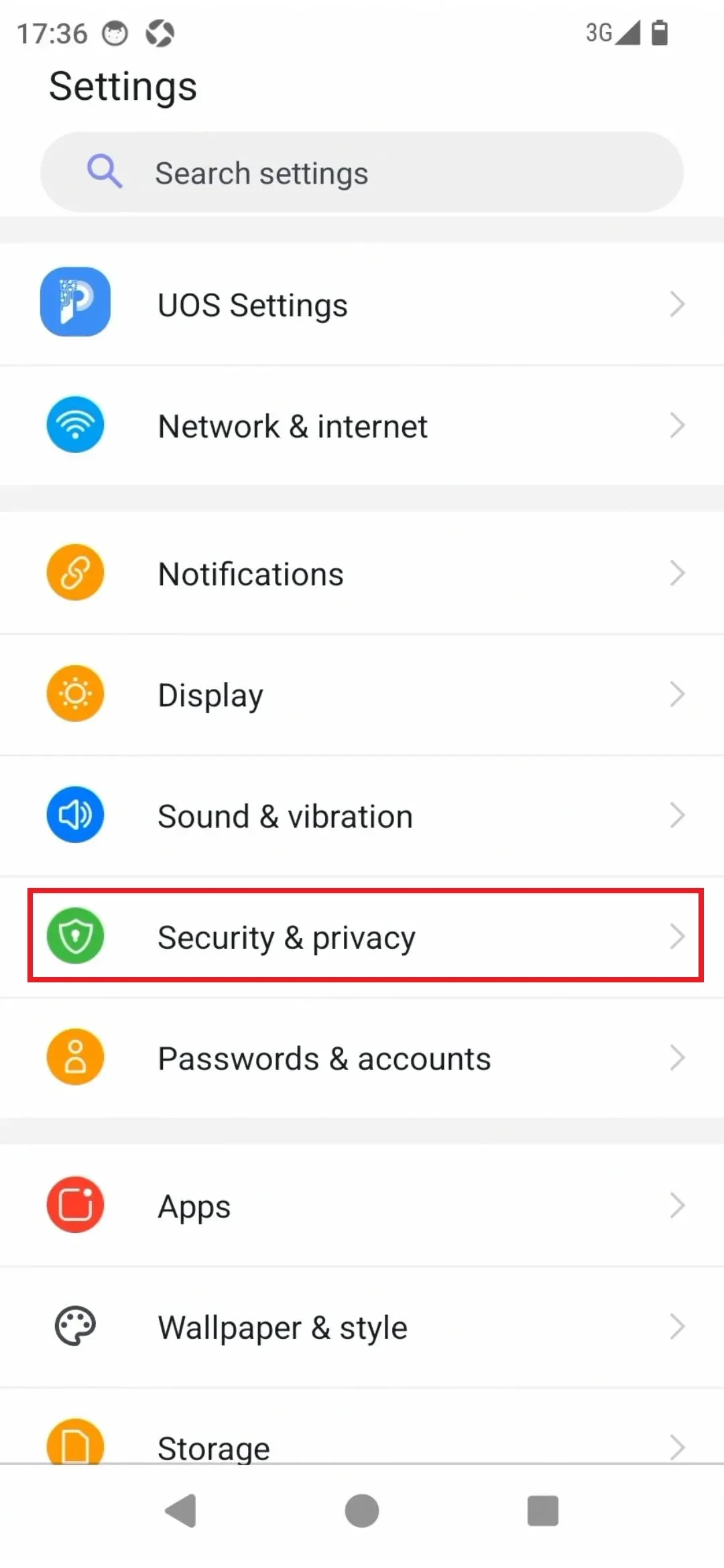
- Enter the device desktop via the PlugOS APP home page, find "Settings" → "Security & privacy"
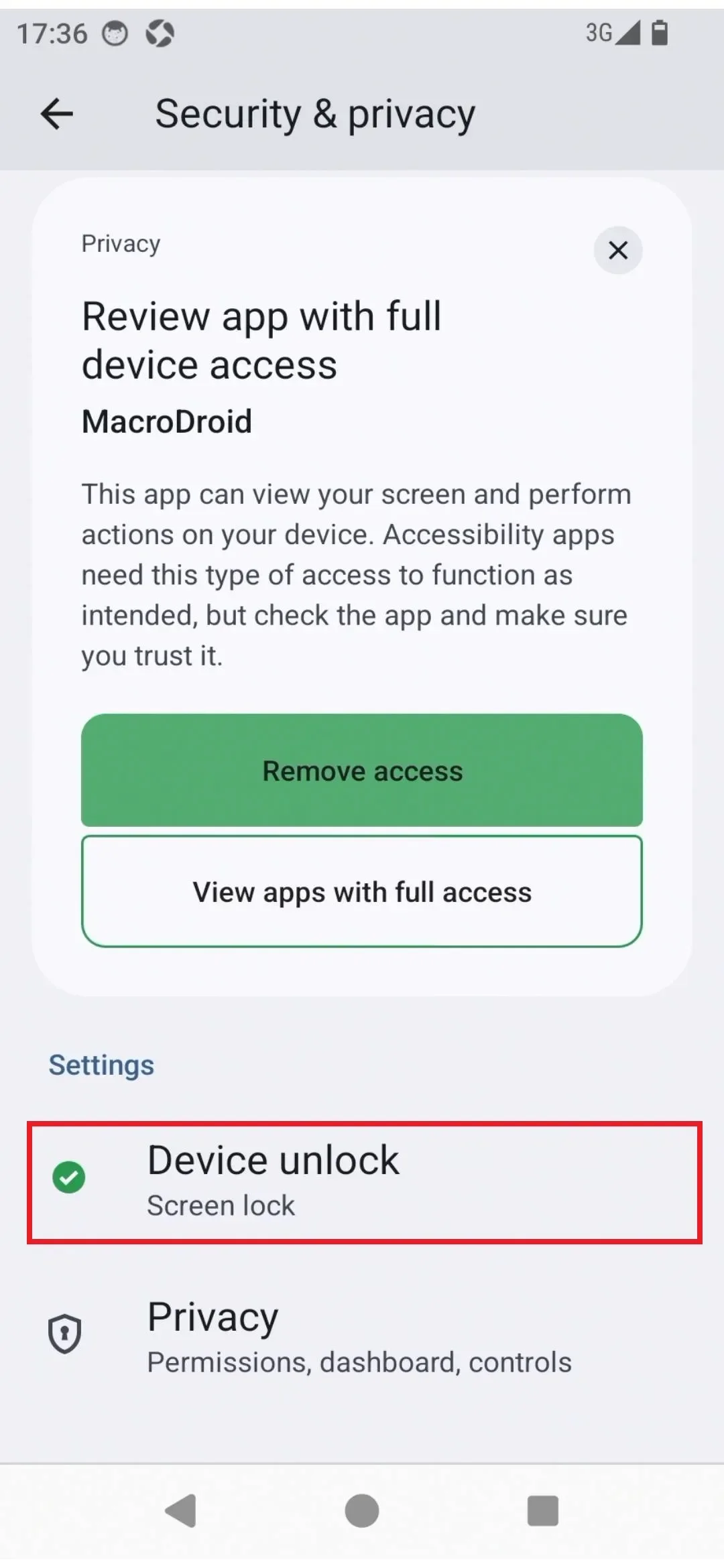
- Click "Device unlock" to set the screen unlock
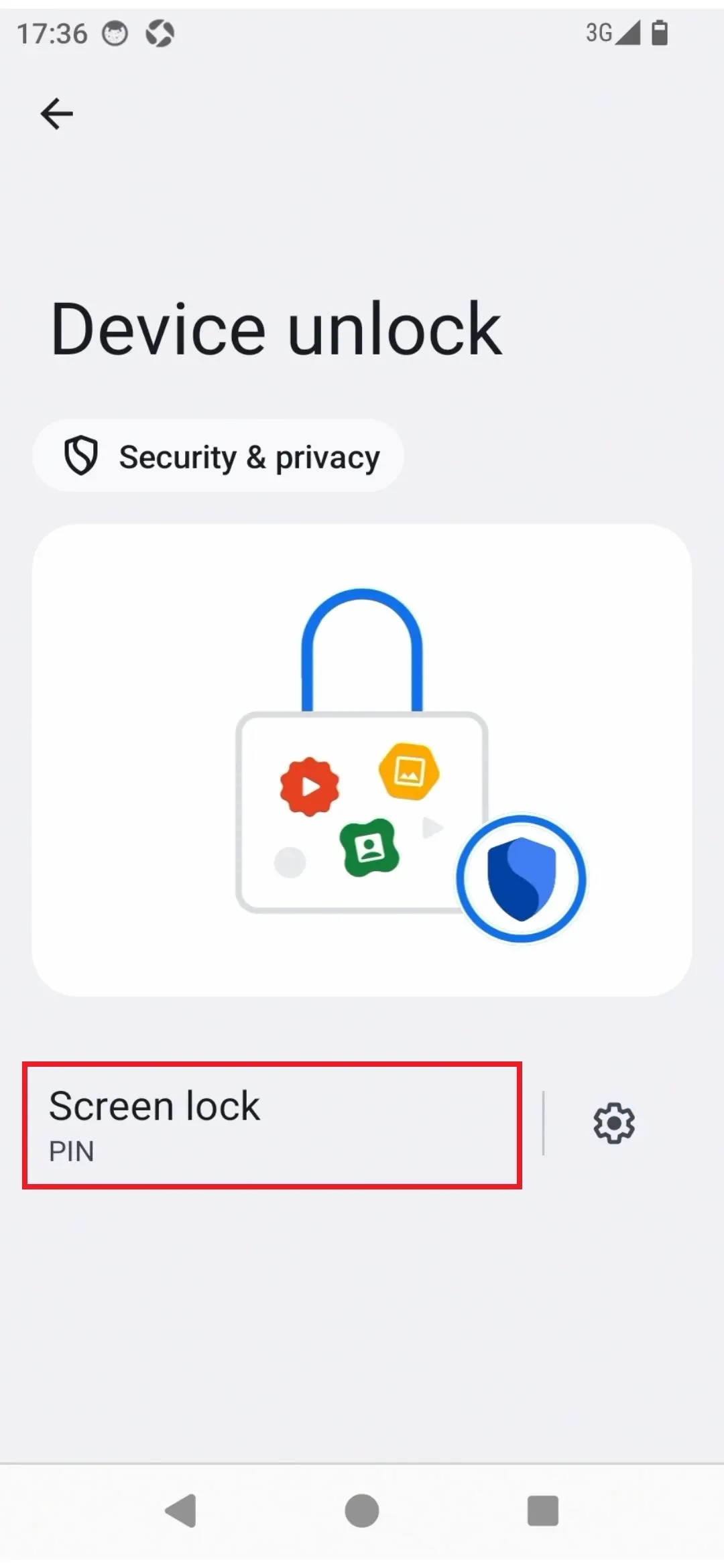
- On the Device unlock page, click "Screen lock"
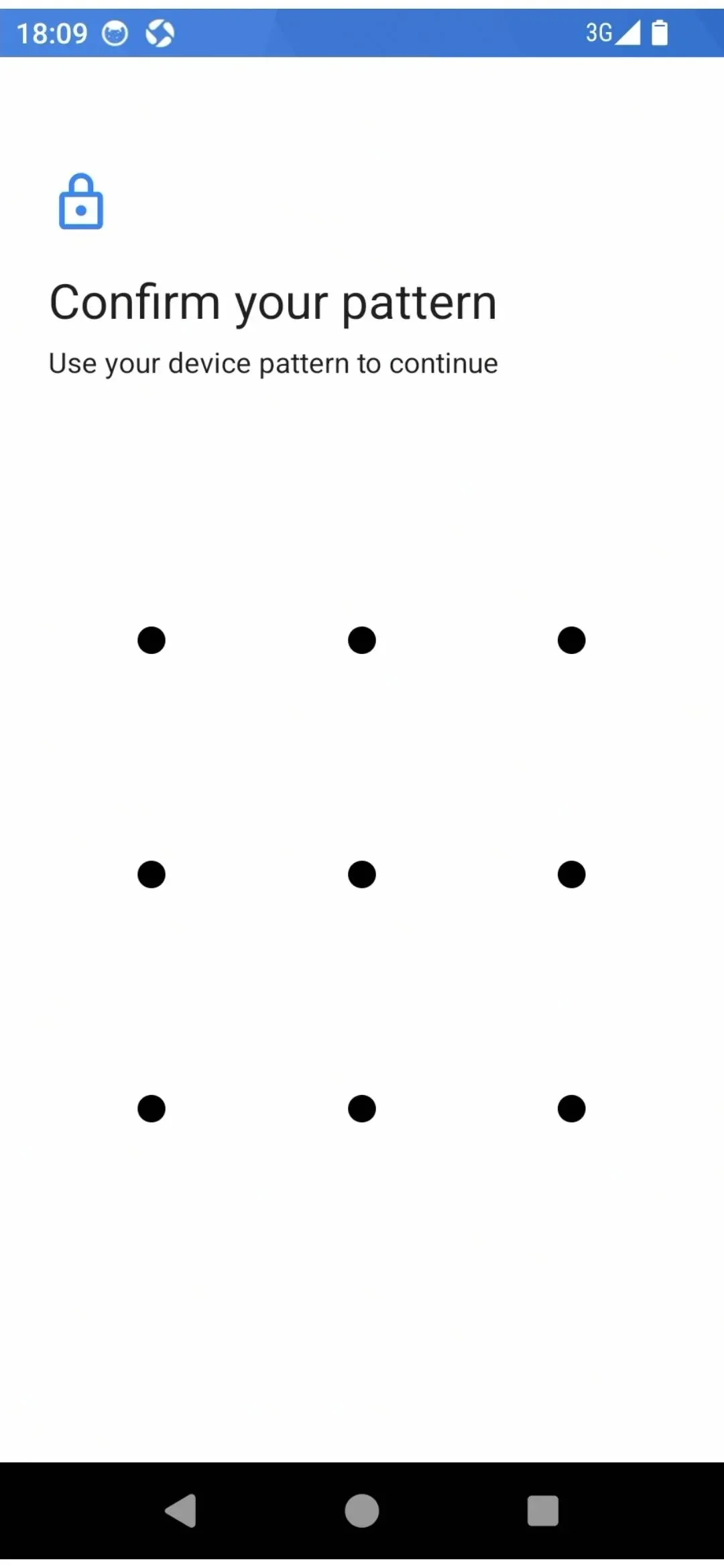
- Verify the current password or pattern
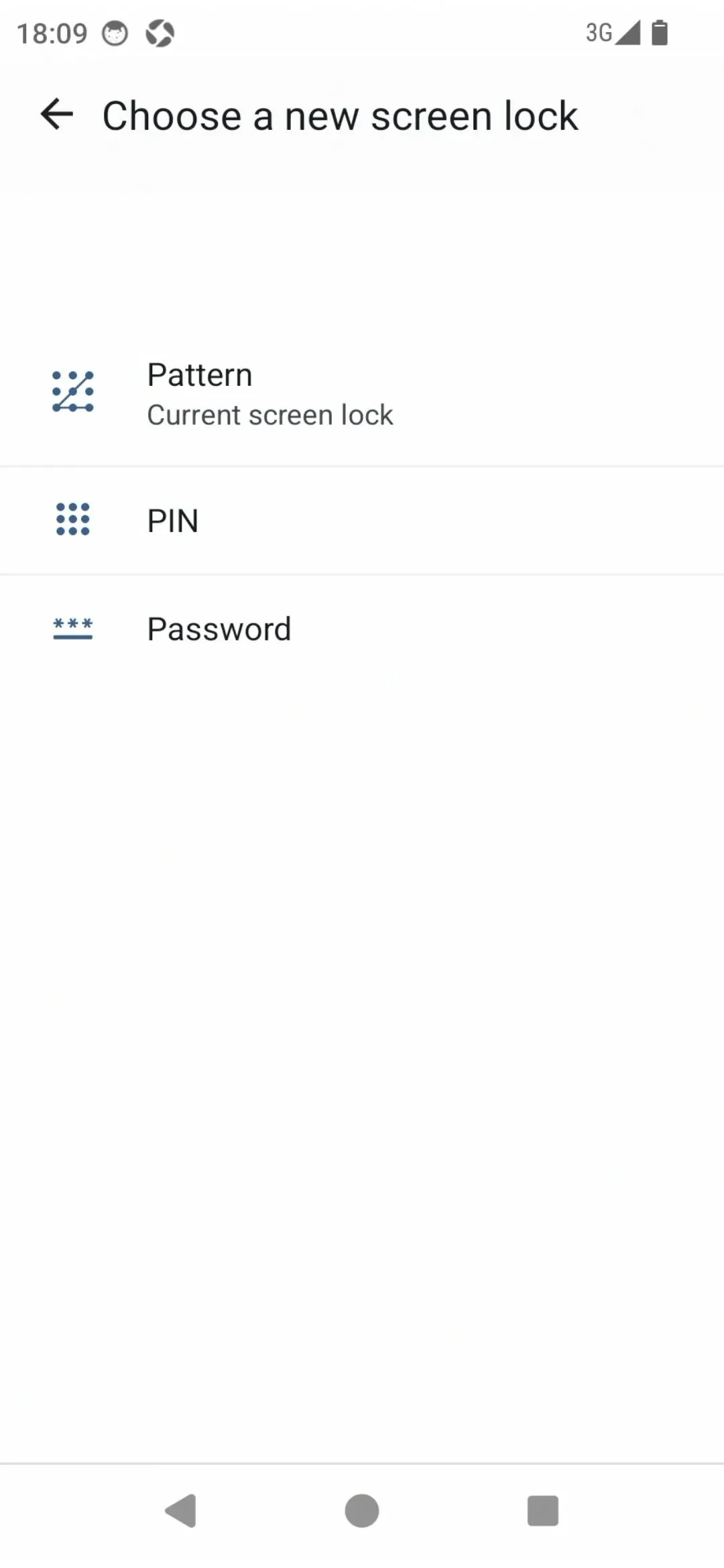
- Select a new screen lock method, which can be set to Pattern, PIN, or Password (follow the prompts to set up)
Subscribe: Get latest security insights and exclusive updates early
 PlugOS — Privacy isn't an option. It's the foundation
Secure, Ad-free, Tracking-free, No Telemetry
Copyright © 2024-2026 TrustKernel
Privacy Policy | User Service Agreement